Enhance Your Workspace: The Benefits of Using a Computer Monitor Privacy Filter
Release time:
2025-08-06

Enhance Your Workspace: The Benefits of Using a Computer Monitor Privacy Filter
Table of Contents
- 1. Introduction to Computer Monitor Privacy Filters
- 2. What is a Computer Monitor Privacy Filter?
- 3. How a Privacy Filter Works
- 4. The Benefits of Using a Privacy Filter
- 4.1 Enhanced Security of Sensitive Information
- 4.2 Increased Productivity and Focus
- 4.3 Reduced Eye Strain and Better Comfort
- 5. Different Types of Computer Monitor Privacy Filters
- 6. Installation Process of Privacy Filters
- 7. Who Needs a Computer Monitor Privacy Filter?
- 8. Conclusion
- 9. Frequently Asked Questions
1. Introduction to Computer Monitor Privacy Filters
In today’s digital age, protecting personal and sensitive information is more crucial than ever. As remote work becomes increasingly prevalent, ensuring the privacy of your workspace has never been more important. One effective solution that has gained traction is the **computer monitor privacy filter**. This article delves into what these filters are, how they work, their benefits, and much more. By the end, you’ll understand why investing in one can significantly enhance your workspace.
2. What is a Computer Monitor Privacy Filter?
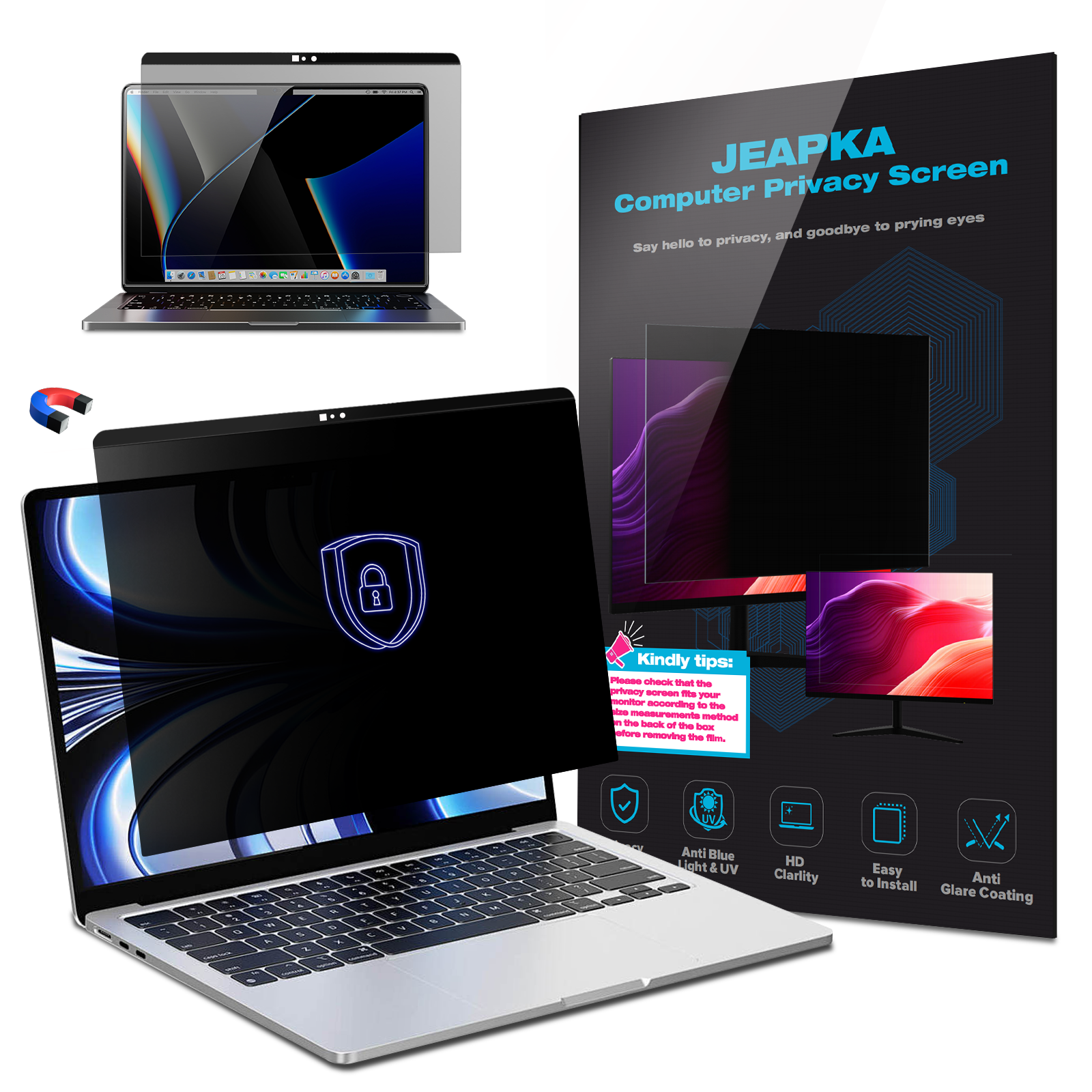
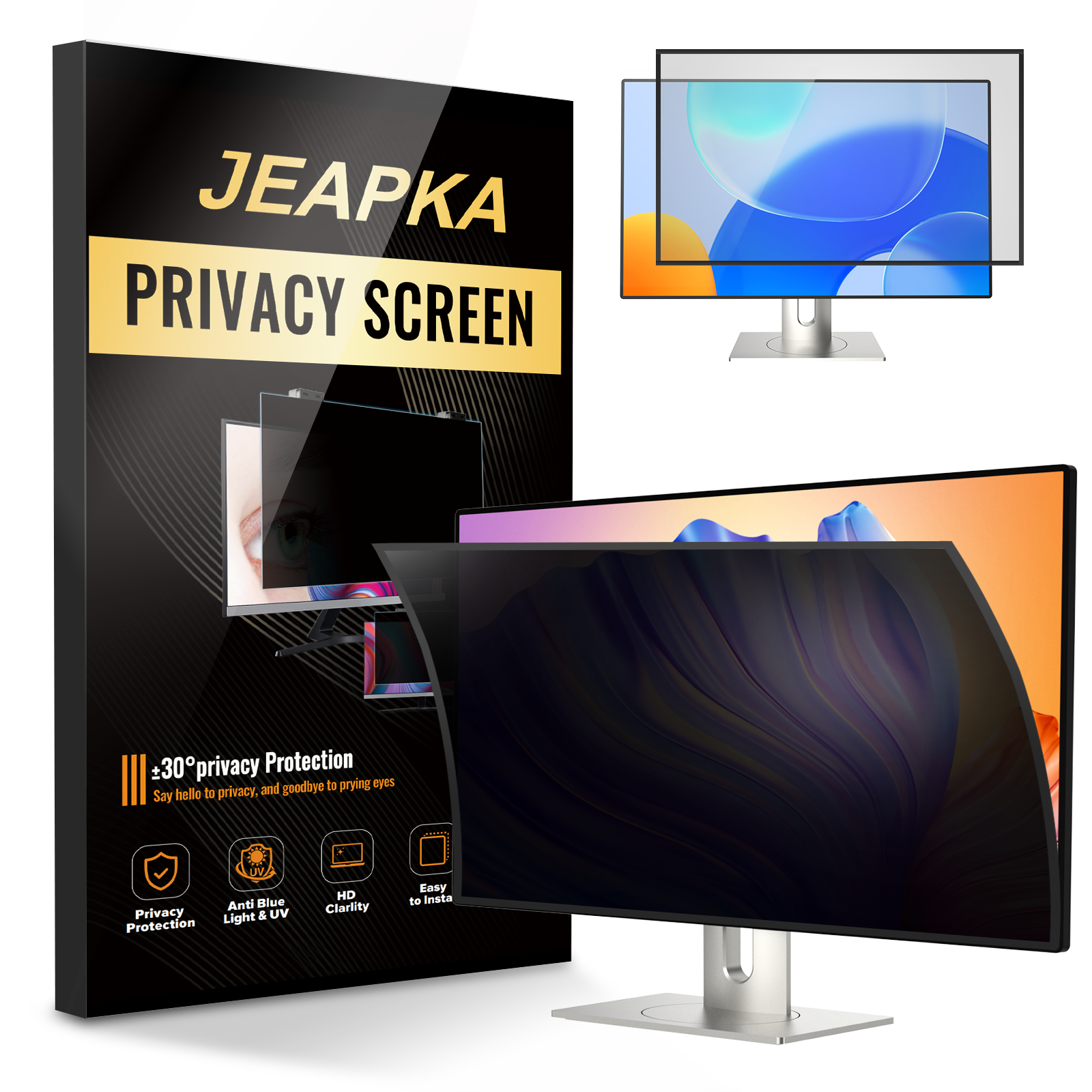
A computer monitor privacy filter is a physical screen overlay that attaches to your monitor to limit viewing angles. It ensures that only the person directly in front of the screen can see the displayed information while rendering it nearly invisible to anyone else in the vicinity. This technology is particularly useful in open office environments, cafes, or shared spaces, where prying eyes can easily access confidential data.
3. How a Privacy Filter Works
Privacy filters typically utilize a **microlouver technology** that controls the direction of light that passes through the screen. By utilizing a series of tiny vertical blinds, these filters allow visibility only from a straight-on angle. Anyone attempting to view the screen from the side will see a dark, obscured display. This mechanism creates a protective barrier against unwanted viewers, ensuring your sensitive information remains confidential.
4. The Benefits of Using a Privacy Filter
Incorporating a privacy filter into your workspace can offer several advantages. Here, we will explore the most significant benefits of using a computer monitor privacy filter.
4.1 Enhanced Security of Sensitive Information
The primary function of a privacy filter is to enhance the security of sensitive information. Whether working with personal data, financial information, or confidential business documents, the risk of unauthorized viewing is a real concern. A privacy filter acts as a shield, safeguarding your data from prying eyes. This is especially important in environments where confidentiality is paramount, such as healthcare, finance, and legal sectors.
4.2 Increased Productivity and Focus
By reducing distractions from onlookers, privacy filters can help increase productivity and focus. When you eliminate the worry of someone glancing at your screen, it allows you to concentrate better on your tasks. This increased focus not only enhances your performance but also helps you meet deadlines more effectively.
4.3 Reduced Eye Strain and Better Comfort
Many privacy filters come with additional features such as anti-glare technology and blue light blocking. These features can significantly reduce eye strain, which is often a consequence of prolonged screen time. By implementing a privacy filter, users can benefit from improved visual comfort, ultimately leading to a healthier work environment.
5. Different Types of Computer Monitor Privacy Filters
There are several types of privacy filters available on the market, each designed to cater to different needs and preferences. Understanding these options can help you choose the best filter for your workspace.
5.1 Standard Privacy Filters
Standard privacy filters provide a basic level of security by narrowing the viewing angle. They are suitable for most office environments where confidentiality is necessary but do not require specialized features.
5.2 Anti-Glare Privacy Filters
Anti-glare privacy filters reduce reflections and glare from external light sources, making them ideal for bright environments. They maintain the privacy feature while enhancing the overall visual experience.
5.3 Blue Light Blocking Privacy Filters
These filters combine privacy technology with blue light blocking capabilities. They protect your eyes from harmful blue light emitted by screens, making them suitable for long hours of work.
5.4 Privacy Filters for Laptops and Tablets
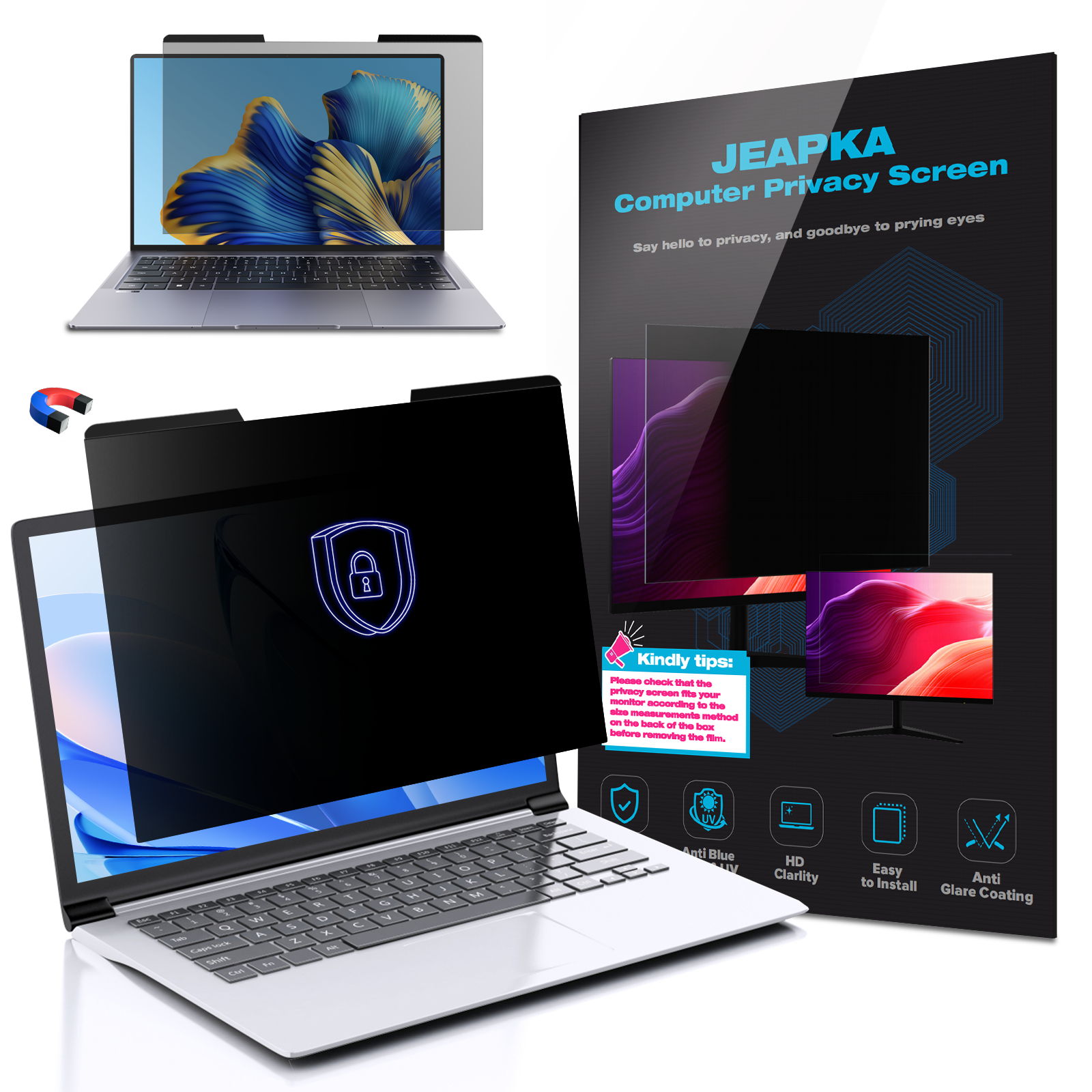
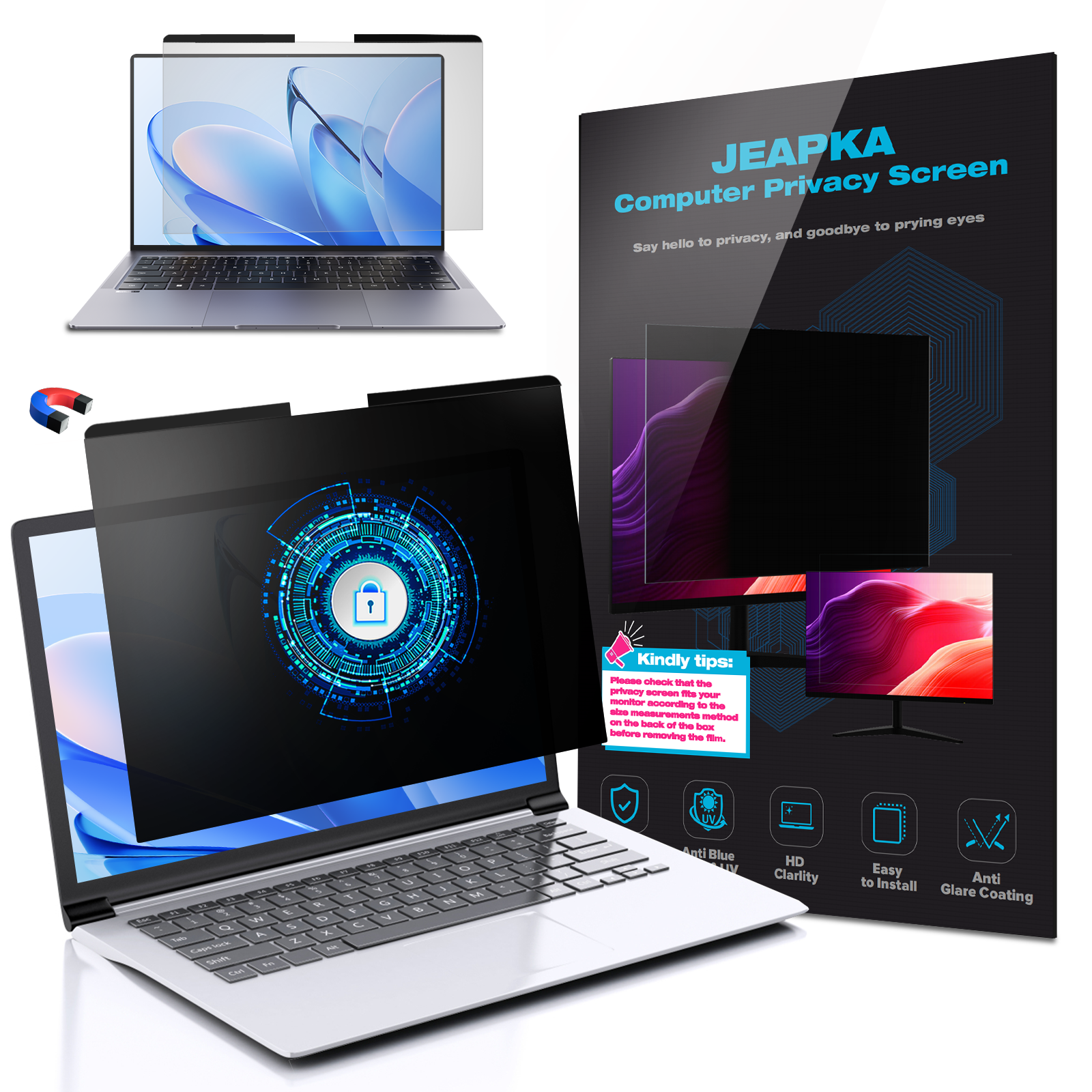
These filters are specifically designed for smaller screens, ensuring that users of laptops and tablets can also protect their information from prying eyes while on the go.
6. Installation Process of Privacy Filters
Installing a computer monitor privacy filter is a straightforward process that can typically be completed in just a few minutes. Here’s a step-by-step guide to help you get started:
1. **Clean the Screen**: Begin by cleaning your monitor screen with a microfiber cloth to ensure there are no dust particles that could interfere with the filter’s adhesion.
2. **Position the Filter**: Align the privacy filter with the edges of your monitor. Ensure it fits well and does not obstruct any buttons or ports.
3. **Secure the Filter**: Depending on the type of filter, you may need adhesive strips or clips to secure it in place. Follow the manufacturer's instructions to ensure proper installation.
4. **Check the Alignment**: Once secured, check the alignment to make sure it covers the entire screen without any gaps.
5. **Test the Viewing Angle**: Sit at your usual working position and check the visibility from different angles to ensure the filter is doing its job effectively.
7. Who Needs a Computer Monitor Privacy Filter?
While anyone can benefit from using a computer monitor privacy filter, certain groups may find them particularly essential:
- **Remote Workers**: Individuals working from home or in public spaces can protect sensitive information while on the go.
- **Healthcare Professionals**: Doctors and nurses handling patient information must ensure confidentiality at all times.
- **Financial Advisors**: Professionals working with sensitive financial data need to safeguard their client information.
- **Students**: Those studying in libraries or shared study spaces can benefit from additional privacy while working on projects.
- **Business Executives**: Corporate leaders dealing with strategic plans and confidential documents should invest in privacy filters to protect their business interests.
8. Conclusion
Implementing a computer monitor privacy filter is a smart move for anyone looking to enhance their workspace. With a variety of options available, these filters not only protect sensitive information but also contribute to increased productivity and reduced eye strain. By investing in a privacy filter, you can create a more secure, focused, and comfortable working environment. Whether you are a remote worker, a healthcare professional, or a business executive, the advantages of using a privacy filter are clear. Protect your workspace today and experience the difference!
9. Frequently Asked Questions
Q1: How do I choose the right privacy filter for my monitor?
A: To choose the right privacy filter, consider the size of your monitor, your workspace environment, and any additional features you may need, such as anti-glare or blue light blocking.
Q2: Can privacy filters be removed and reused?
A: Yes, most privacy filters can be removed and reattached, making them reusable as long as they are cared for properly.
Q3: Do privacy filters affect screen clarity?
A: While privacy filters may slightly reduce screen brightness, most modern filters are designed to maintain clear visibility for users directly in front of the screen.
Q4: Are there privacy filters available for larger screens?
A: Yes, privacy filters are available for a range of screen sizes, including large monitors and ultra-wide displays.
Q5: How often should I clean my privacy filter?
A: It is advisable to clean your privacy filter regularly, ideally weekly, using a microfiber cloth to maintain optimal visibility and performance.
By considering the benefits and installation tips outlined in this article, we hope that you feel empowered to enhance your workspace with a computer monitor privacy filter.
Related News