Enhance Your Workspace: The Benefits of Using a Privacy Screen Filter for Your Monitor
Release time:
2025-11-26

Enhance Your Workspace: The Benefits of Using a Privacy Screen Filter for Your Monitor
In our increasingly digital world, **data privacy** is not just a luxury but a necessity. Whether you are working in an office or from home, the potential for prying eyes to access confidential information is a real concern. This is where a privacy screen filter comes into play. By limiting the viewing angle of your screen, a privacy screen filter can significantly enhance your workspace and protect sensitive information.
In this comprehensive guide, we will dive deep into the numerous advantages of using a privacy screen filter for your monitor, how to choose the right one, installation tips, and answers to frequently asked questions.
Table of Contents
1. Understanding Privacy Screen Filters
2. Benefits of Using a Privacy Screen Filter
2.1 Enhanced Data Security
2.2 Improved Focus and Productivity
2.3 Protection Against Eye Strain
2.4 Versatility Across Various Work Environments
3. How to Choose the Right Privacy Screen Filter
3.1 Compatibility with Your Monitor
3.2 Size and Dimensions
3.3 Filter Types: Matte vs. Glossy
4. Installation Tips for Your Privacy Screen Filter
5. Maintenance and Cleaning
6. FAQs about Privacy Screen Filters
7. Conclusion
1. Understanding Privacy Screen Filters
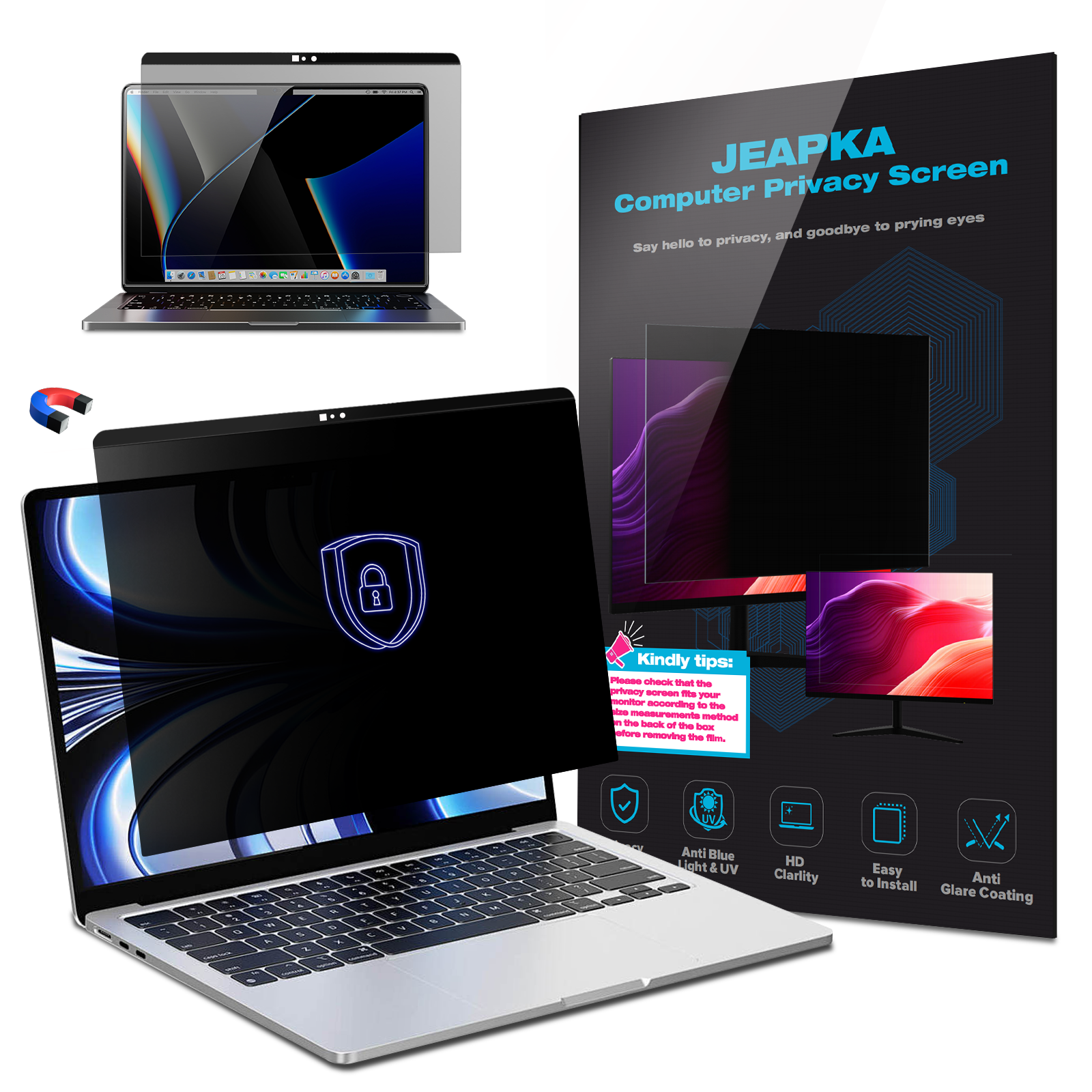
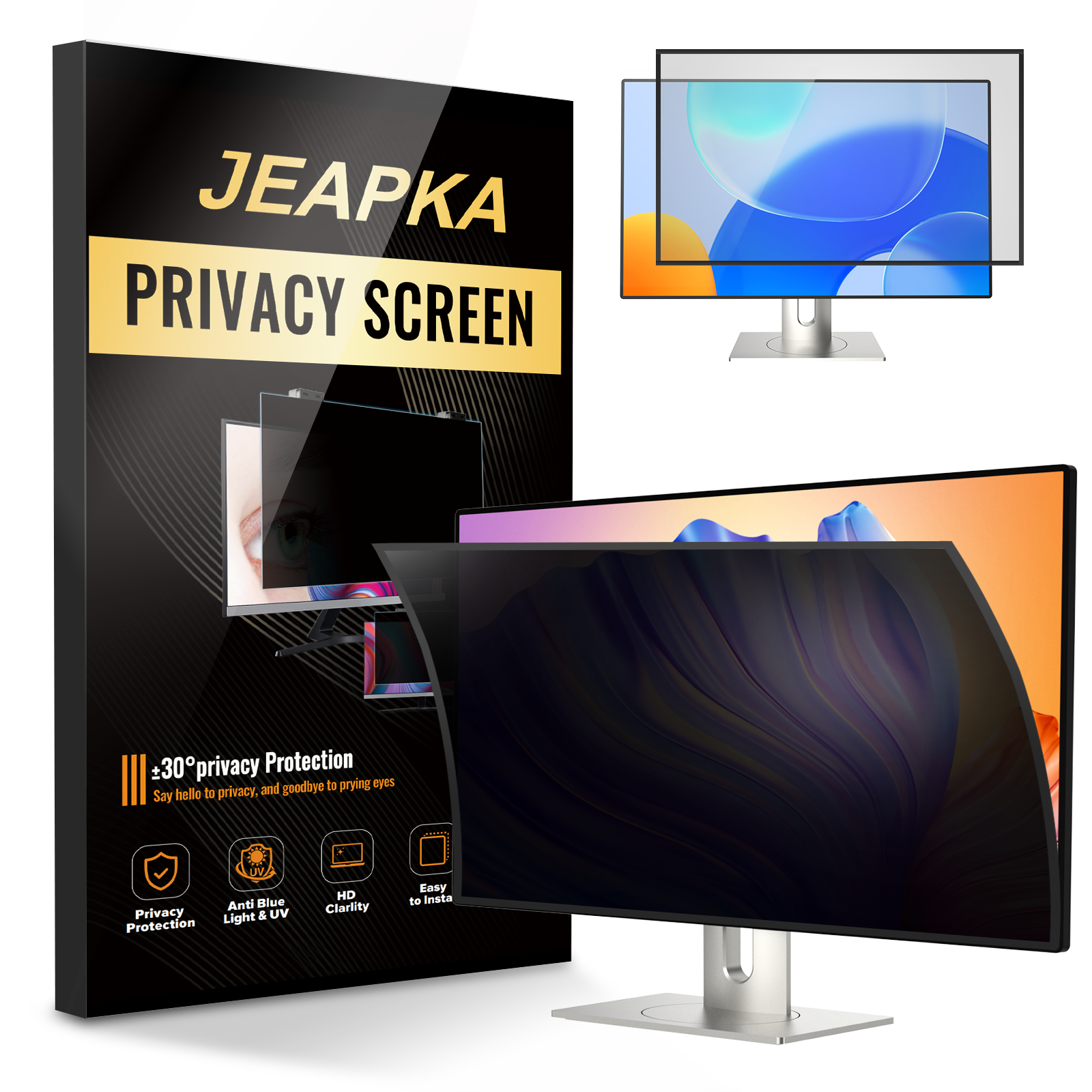
A **privacy screen filter** is a device that attaches to your computer monitor, designed to block side views of the screen while allowing a clear view from directly in front. This technology utilizes a micro-louver design that creates a narrow viewing angle, ensuring that only those directly facing the monitor can see the content displayed.
2. Benefits of Using a Privacy Screen Filter
Integrating a privacy screen filter into your workspace offers numerous benefits beyond mere confidentiality. Below, we explore these advantages in detail.
2.1 Enhanced Data Security
In workplaces where sensitive information is frequently displayed—such as financial data, personal files, or confidential projects—a privacy screen filter serves as an essential barrier against unauthorized viewing. It is particularly useful in public spaces like coffee shops or shared offices, where onlookers may easily glance at your screen.
2.2 Improved Focus and Productivity
Distractions can significantly undermine productivity, especially in open office environments. A privacy screen filter minimizes the visual distractions from your surroundings, allowing you to maintain focus on the tasks at hand. By reducing external interruptions, you can enhance your work efficiency and output.
2.3 Protection Against Eye Strain
Many privacy screen filters come with anti-glare properties, which help to reduce reflections and glare from ambient light sources. This feature is beneficial for protecting your eyes during long working hours, ultimately contributing to better eye health and comfort.
2.4 Versatility Across Various Work Environments
Privacy screen filters are not just for corporate offices. They are equally beneficial for remote workers, students, and anyone who frequently uses their computer in public or semi-public settings. Their versatility makes them an essential accessory for anyone concerned about privacy.
3. How to Choose the Right Privacy Screen Filter
Selecting the right privacy screen filter involves considering several factors to ensure you make an informed purchase.
3.1 Compatibility with Your Monitor
Before selecting a privacy screen filter, it is vital to ensure it is compatible with your monitor. Most filters are designed for standard monitor sizes; however, verifying the model number or dimensions is essential for a proper fit.
3.2 Size and Dimensions
When measuring your monitor, ensure you account for its width and height. A filter that is too small will not provide adequate privacy, while one that is too large may not attach properly. Always check the manufacturer's recommendations for the best results.
3.3 Filter Types: Matte vs. Glossy
Privacy screen filters come in two main types: matte and glossy. Matte filters are excellent for reducing glare, while glossy filters offer sharper images and vibrant colors. Consider your working environment and preferences when choosing between the two.
4. Installation Tips for Your Privacy Screen Filter
Installing a privacy screen filter is generally straightforward and can often be done in just a few minutes. Here are some tips to ensure a seamless installation:
1. **Clean Your Monitor:** Before attaching the filter, clean your monitor screen with a microfiber cloth to remove dust and smudges.
2. **Align Properly:** Carefully align the filter with the top edge of your monitor before securing it. This ensures a perfect fit and prevents misalignment.
3. **Use the Right Attachment Method:** Depending on the filter, you may need to use adhesive strips, clips, or magnetic edges. Follow the manufacturer’s instructions for the best results.
5. Maintenance and Cleaning
To ensure your privacy screen filter remains effective and clear, regular maintenance is essential. Here are some simple cleaning tips:
- **Use a Soft Cloth:** Always use a microfiber cloth to clean the screen. Avoid paper towels or rough fabrics, which can scratch the surface.
- **Gentle Cleaners:** If necessary, use a gentle cleaner specifically designed for monitors. Never apply cleaners directly to the filter; instead, spray them onto the cloth first.
- **Regular Checks:** Occasionally check the edges of the filter to ensure it remains securely attached and free from dust buildup.
6. FAQs about Privacy Screen Filters
**Q1: Can I still see my screen with a privacy filter on?**
Yes, you can view your monitor normally from straight on, but the viewing angle is significantly reduced for others.
**Q2: Do privacy screen filters reduce screen brightness?**
Some filters may slightly reduce brightness, but many modern filters are designed to maintain clarity and color quality.
**Q3: How do I know what size privacy screen filter to buy?**
Measure your monitor's height and width, or refer to the manufacturer’s specifications to find the right size.
**Q4: Will a privacy screen filter fit on a laptop?**
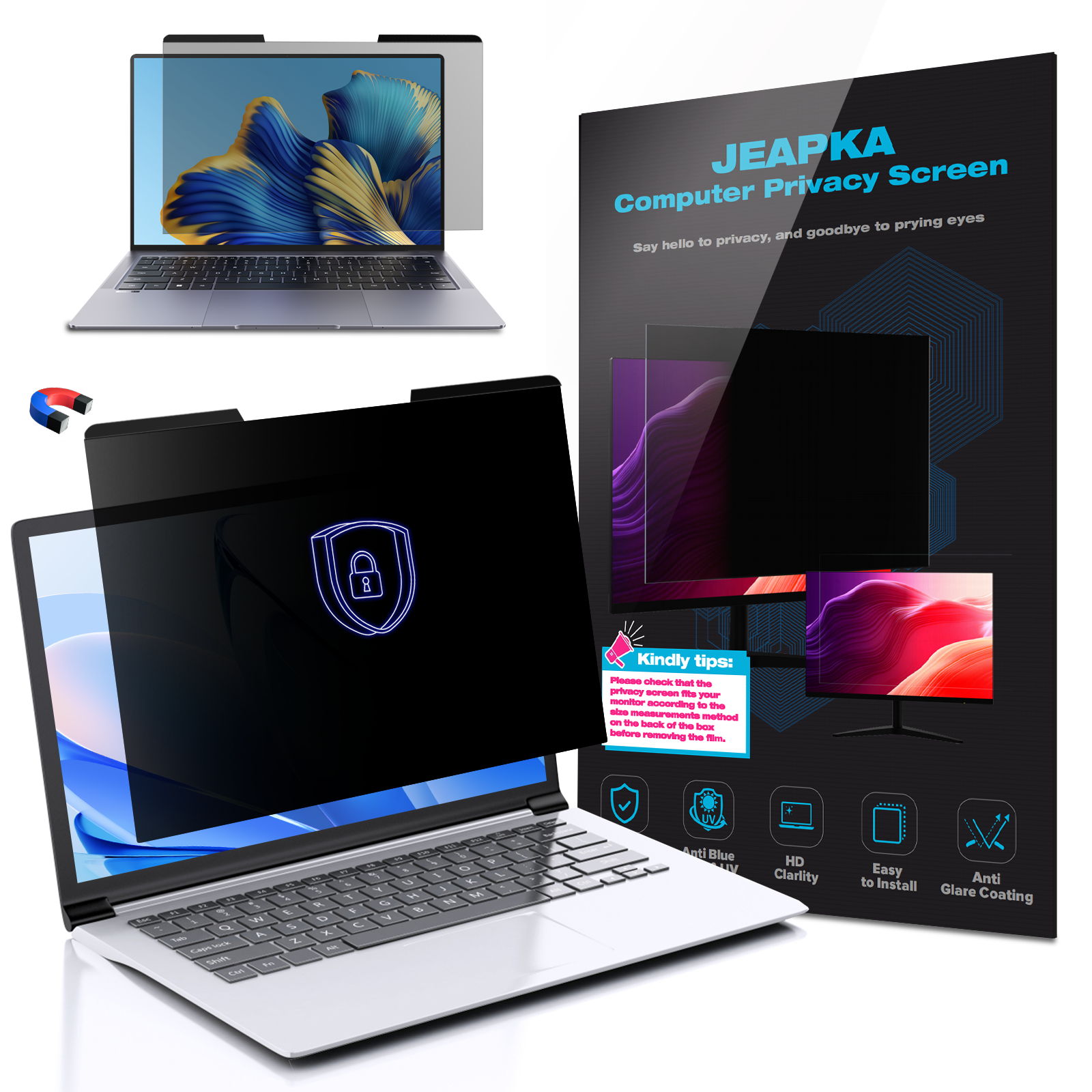
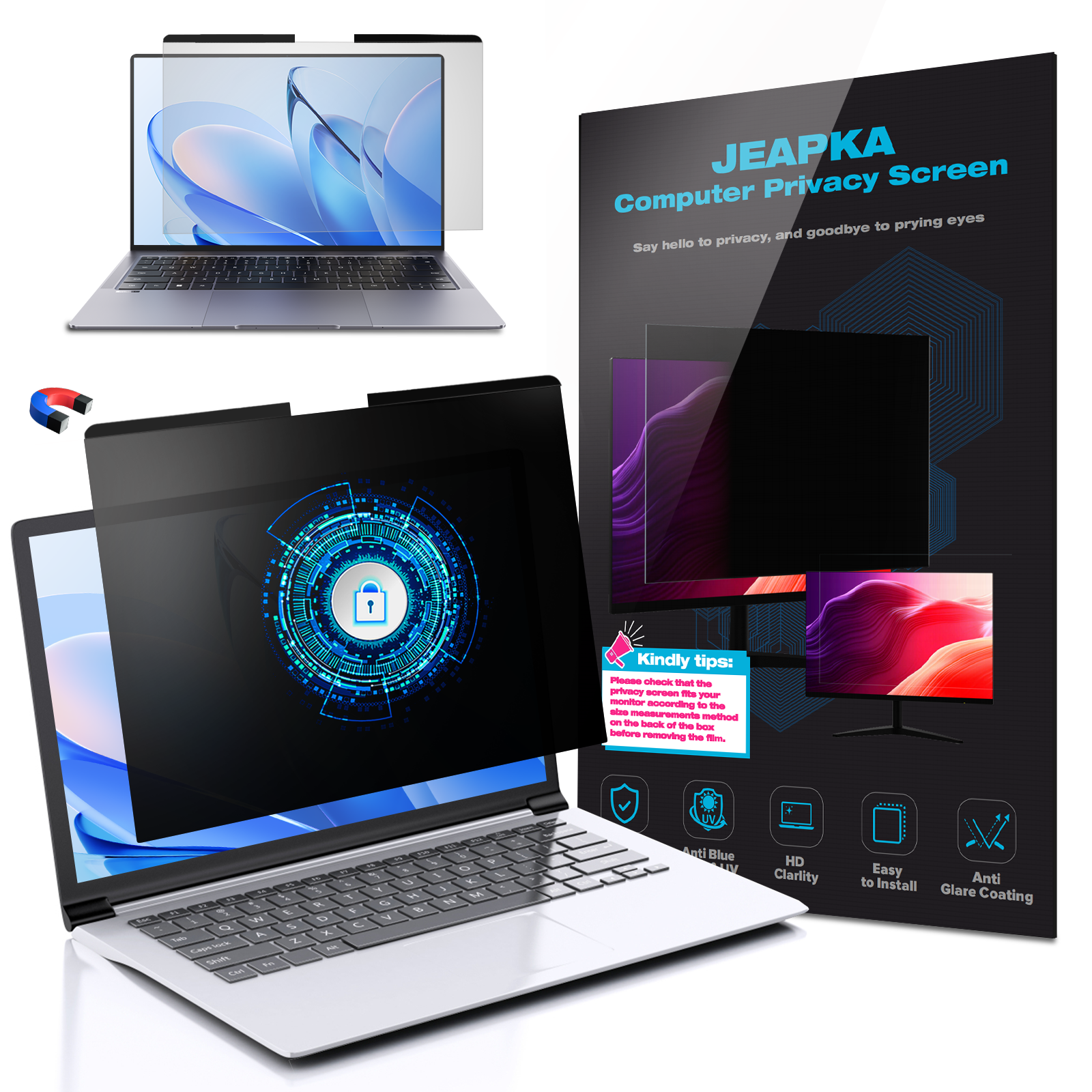
Yes, there are privacy filters specifically designed for laptops, which can easily be applied and removed.
**Q5: Can a privacy screen filter protect against blue light?**
Some privacy filters come with blue light blocking technology, reducing eye strain during extended use.
7. Conclusion
Incorporating a privacy screen filter into your workspace could be one of the most valuable investments you make for your productivity and data security. By enhancing your privacy, minimizing distractions, and protecting your eyes, these filters not only contribute to a more efficient work environment but also foster a sense of security in our data-driven world.
Whether you work in a bustling office, a lively café, or the comfort of your home, a privacy screen filter is an indispensable tool for anyone seeking to enhance their workspace. Don't compromise on your privacy; take proactive steps to secure your information and elevate your productivity today.
Related News