Why Laptop Screen Filters Are Essential for Digital Nomads: A Comprehensive Guide
Release time:
2025-11-12

Why Laptop Screen Filters Are Essential for Digital Nomads
Table of Contents
- 1. Introduction to Laptop Screen Filters
- 2. Key Benefits of Using Laptop Screen Filters
- 3. Types of Laptop Screen Filters
- 4. How to Choose the Right Laptop Screen Filter
- 5. Installing Your Laptop Screen Filter
- 6. Maintaining Your Laptop Screen Filter
- 7. Common Issues with Laptop Screen Filters
- 8. Conclusion
- 9. FAQs
1. Introduction to Laptop Screen Filters
In the world of digital nomadism, where flexibility and mobility are key, ensuring a seamless work experience is essential. Laptop screen filters have emerged as critical accessories for remote workers who often find themselves in varying environments, from bustling coffee shops to quiet co-working spaces. These filters not only enhance the visual experience but also provide crucial protection against external factors that can hinder productivity.
2. Key Benefits of Using Laptop Screen Filters
Investing in a laptop screen filter can significantly transform your digital workspace. Here are some of the main benefits that make these filters indispensable for digital nomads.
2.1 Vision Protection
Extended laptop use can lead to various eye-related issues, such as digital eye strain, headaches, and blurred vision. Laptop screen filters mitigate these risks by reducing harmful blue light emissions, which are known to contribute to eye fatigue. By incorporating a blue light blocking filter, digital nomads can protect their vision, allowing them to work for longer periods without discomfort.
2.2 Privacy Enhancement
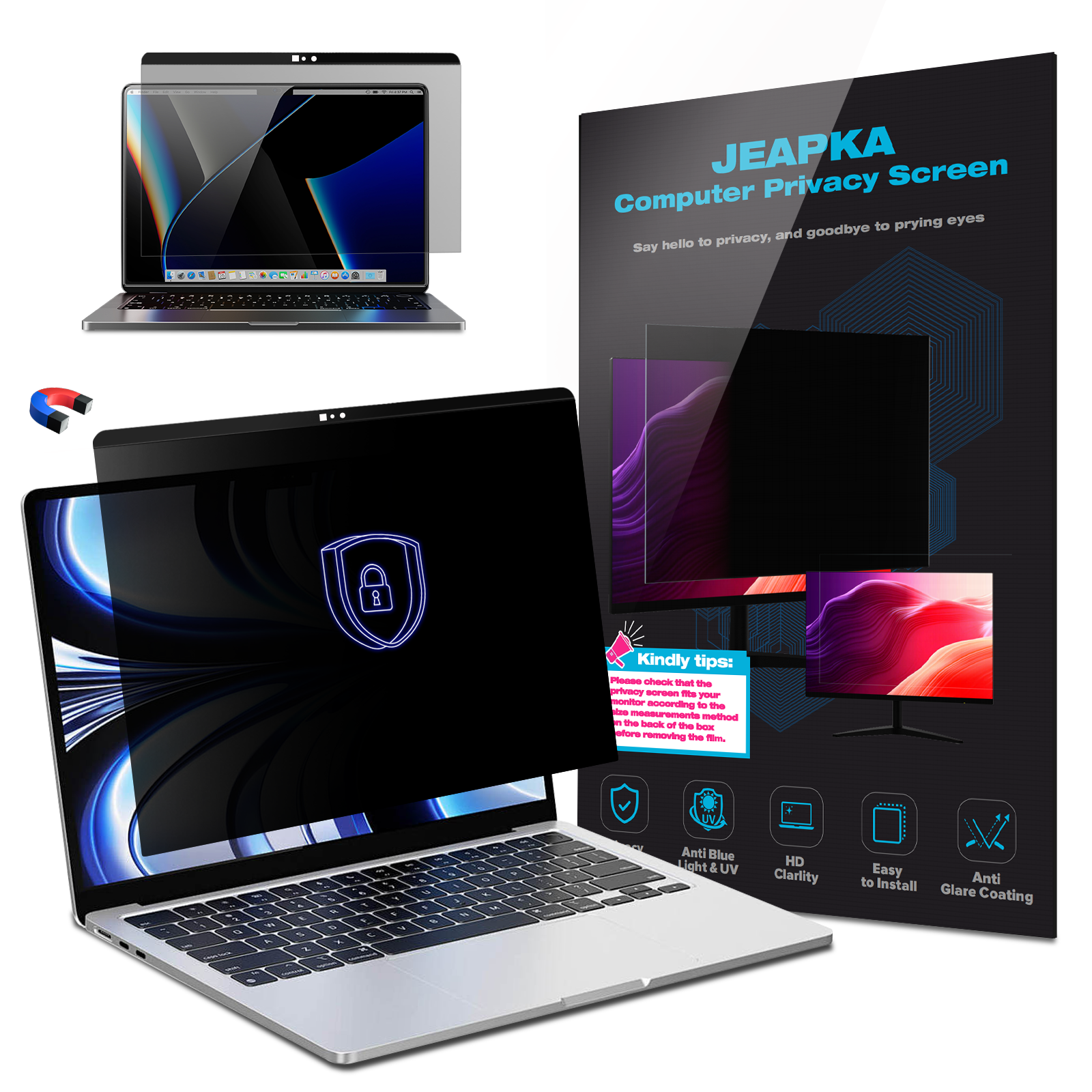
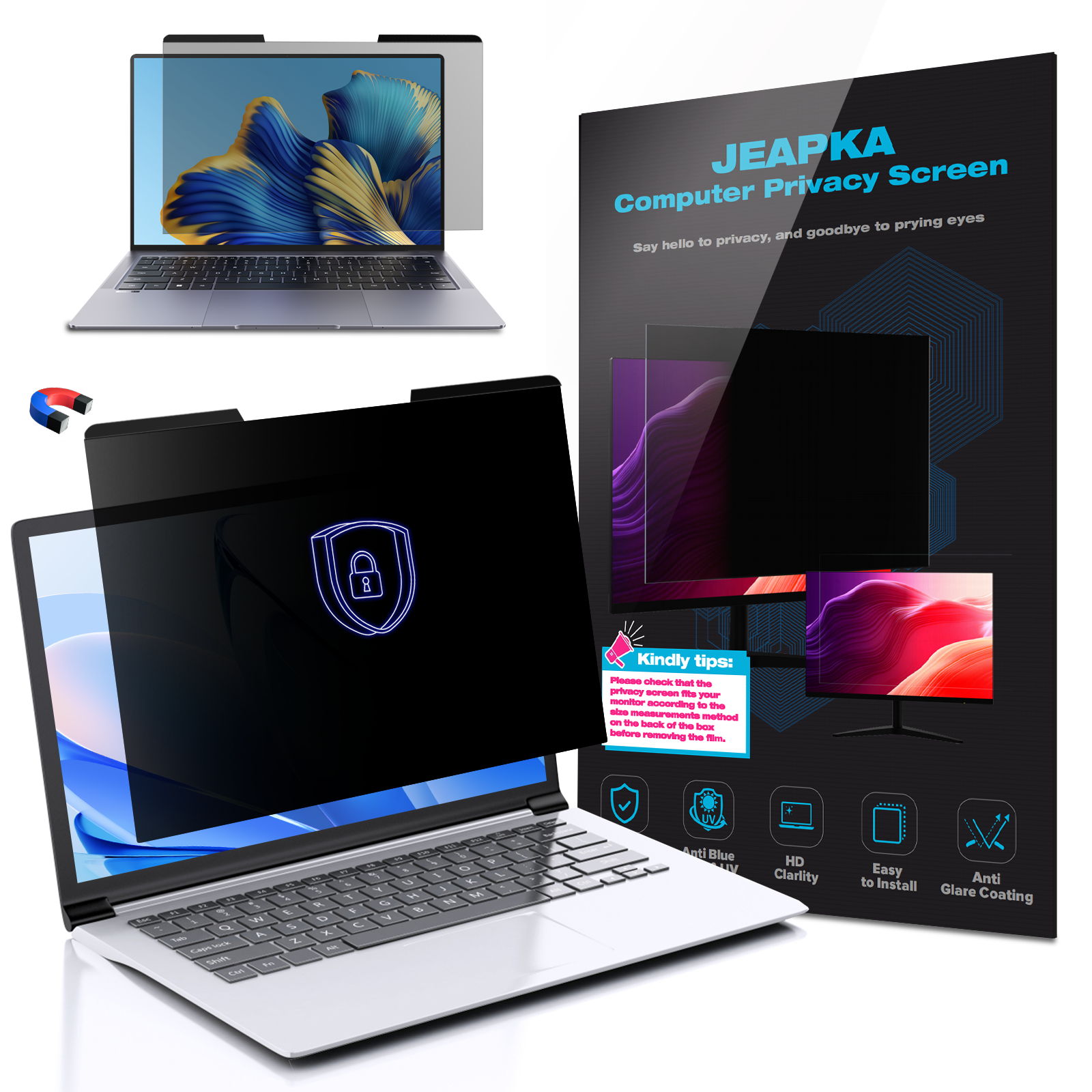
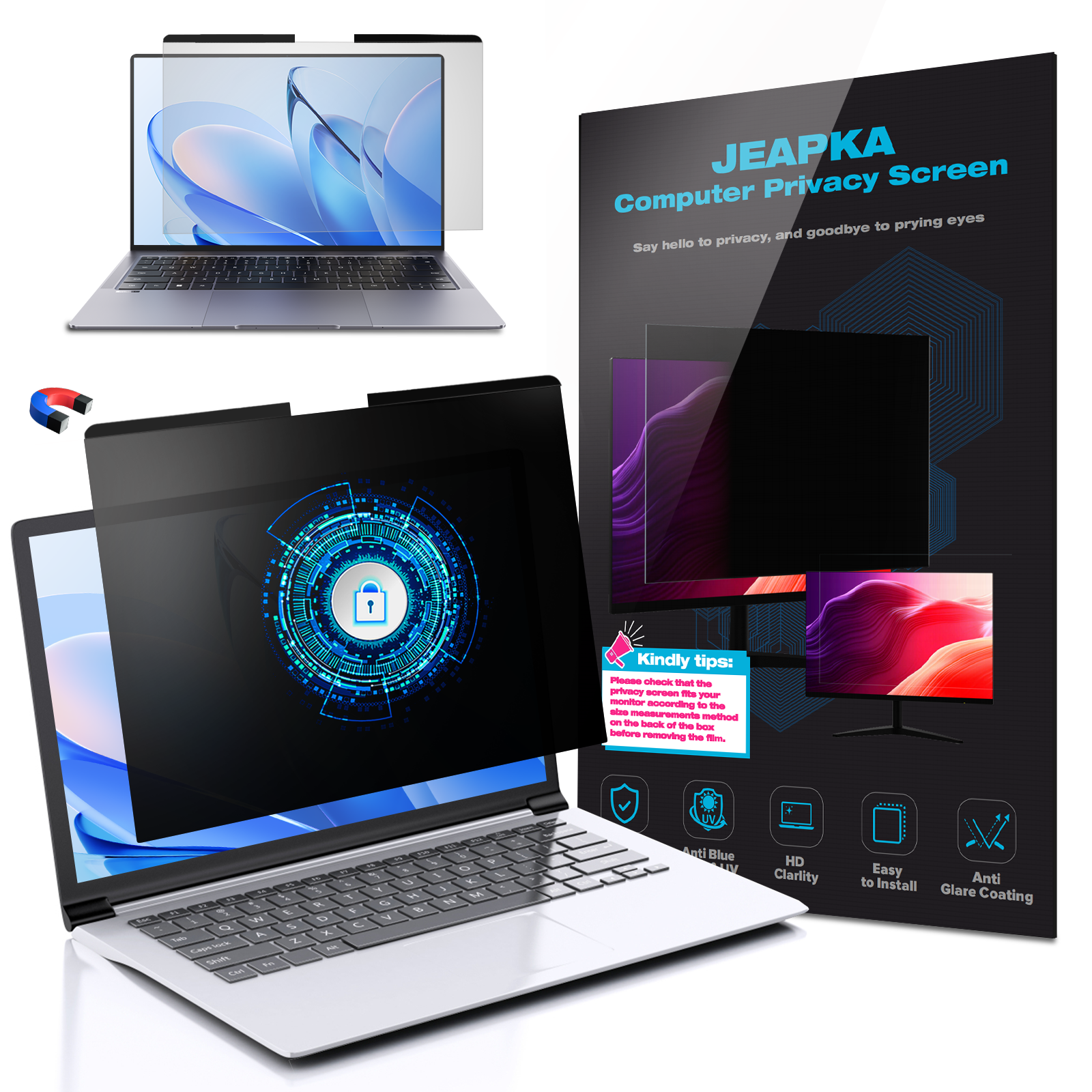
Digital nomads often work in public spaces where prying eyes can easily glance at sensitive information on their screens. Privacy filters restrict the viewing angle, ensuring that only the person directly in front of the screen can see the content. This added layer of security is crucial for remote workers who handle confidential data, protecting them from potential data breaches.
2.3 Glare Reduction
Glare from ambient lighting can be a significant distraction, reducing visibility and increasing eye strain. Anti-glare filters are designed to diffuse reflected light, providing a clearer view of the screen and improving overall comfort while working. This feature is especially beneficial for digital nomads who frequently work outdoors or in brightly lit environments.
2.4 Increased Screen Durability
Frequent travel exposes laptops to various hazards, including scratches and smudges. A laptop screen filter acts as a protective barrier, safeguarding the screen from potential damage. This durability can prolong the lifespan of the device, making it a wise investment for any digital nomad.
3. Types of Laptop Screen Filters
When selecting a laptop screen filter, it's essential to understand the different types available on the market. Each filter type offers unique benefits tailored to specific needs.
3.1 Anti-Glare Filters
Anti-glare filters are designed to minimize reflections and reduce glare, making them ideal for working in brightly lit environments. They enhance screen visibility and comfort, allowing users to focus on their tasks without distractions.
3.2 Privacy Filters
Privacy filters are particularly beneficial for digital nomads who work with sensitive information. These filters provide a narrow viewing angle, ensuring that only the user has access to the screen's content. This feature is essential when working in public spaces, helping to maintain confidentiality.
3.3 Blue Light Blockers
Blue light blocking filters are designed to reduce exposure to harmful blue light emitted by screens. These filters are perfect for digital nomads who spend extended hours working on their laptops, as they help prevent eye strain and improve overall eye health.
4. How to Choose the Right Laptop Screen Filter
Selecting the perfect laptop screen filter involves several considerations to ensure compatibility and effectiveness.
4.1 Size Compatibility
It's crucial to choose a screen filter that fits your laptop's dimensions. Measure your screen diagonally to find the correct size, as filters come in various sizes to accommodate different laptop models.
4.2 Filter Type
Consider your primary needs when selecting a filter type. If you predominantly work in public spaces, a privacy filter may be the best choice. If you often deal with glare, an anti-glare filter would be more suitable. For prolonged usage, opt for a blue light blocker to protect your vision.
4.3 Application Method
Laptop screen filters come with different application methods, including adhesive and non-adhesive options. Adhesive filters provide a more secure fit but may leave residue upon removal. Non-adhesive options are easier to apply and remove but may not be as stable. Choose the method that best aligns with your preferences.
5. Installing Your Laptop Screen Filter
Installing a laptop screen filter is a straightforward process that requires minimal tools. Follow these steps to ensure a proper fit:
1. **Clean Your Screen**: Before installation, thoroughly clean your laptop screen to remove dust and fingerprints. Use a microfiber cloth and a gentle screen cleaner for optimal results.
2. **Align the Filter**: Carefully align the filter with your laptop screen, ensuring it fits snugly without obstructing any ports or buttons.
3. **Apply the Filter**: If using an adhesive filter, gently peel away the backing and press the filter onto the screen. For non-adhesive filters, place it directly onto the screen and adjust as necessary.
6. Maintaining Your Laptop Screen Filter
Proper maintenance of your laptop screen filter can extend its lifespan and effectiveness. Here are some tips:
- **Regular Cleaning**: Dust and fingerprints can accumulate on the filter just like the screen itself. Use a microfiber cloth to wipe the filter gently, avoiding harsh chemicals that could damage it.
- **Store Properly**: When not in use, store your screen filter in a protective case to prevent scratches and damage.
- **Inspect Regularly**: Periodically check your filter for any signs of wear or damage. Replace it if it becomes too scratched or discolored, as this can affect visibility.
7. Common Issues with Laptop Screen Filters
While laptop screen filters offer numerous benefits, users may encounter some common issues:
- **Reduced Brightness**: Some filters may slightly dim the screen's brightness. Adjust your laptop settings to compensate for this effect.
- **Color Distortion**: Certain filters may alter the color accuracy of your display. It's essential to choose high-quality filters to minimize this issue.
- **Adhesive Residue**: If you opt for an adhesive filter, be prepared for potential residue upon removal. Use a screen cleaner and a soft cloth to clean any leftover adhesive.
8. Conclusion
Laptop screen filters are essential tools for digital nomads, providing numerous benefits that enhance productivity, protect vision, and maintain privacy. By understanding the various types of filters and how to choose the right one, remote workers can make informed decisions that cater to their specific needs. Investing in a quality screen filter is not just a purchase; it is a step toward creating a more efficient and comfortable working environment, regardless of where your journey takes you.
9. FAQs
1. Do laptop screen filters affect touch sensitivity?
Most laptop screen filters are designed to maintain touch sensitivity, but it's essential to check compatibility with your specific device.
2. Can I use a laptop screen filter on a touchscreen laptop?
Yes, many screen filters are compatible with touchscreen laptops. However, ensure that the filter does not obstruct touch functionality.
3. How often should I replace my laptop screen filter?
Replace your screen filter as needed, especially if it becomes scratched, discolored, or damaged. Regularly inspect it to determine its condition.
4. Are privacy filters suitable for all laptop sizes?
Privacy filters come in various sizes, so it's crucial to select one that fits your specific laptop model for maximum effectiveness.
5. Can I use a screen filter with an external monitor?
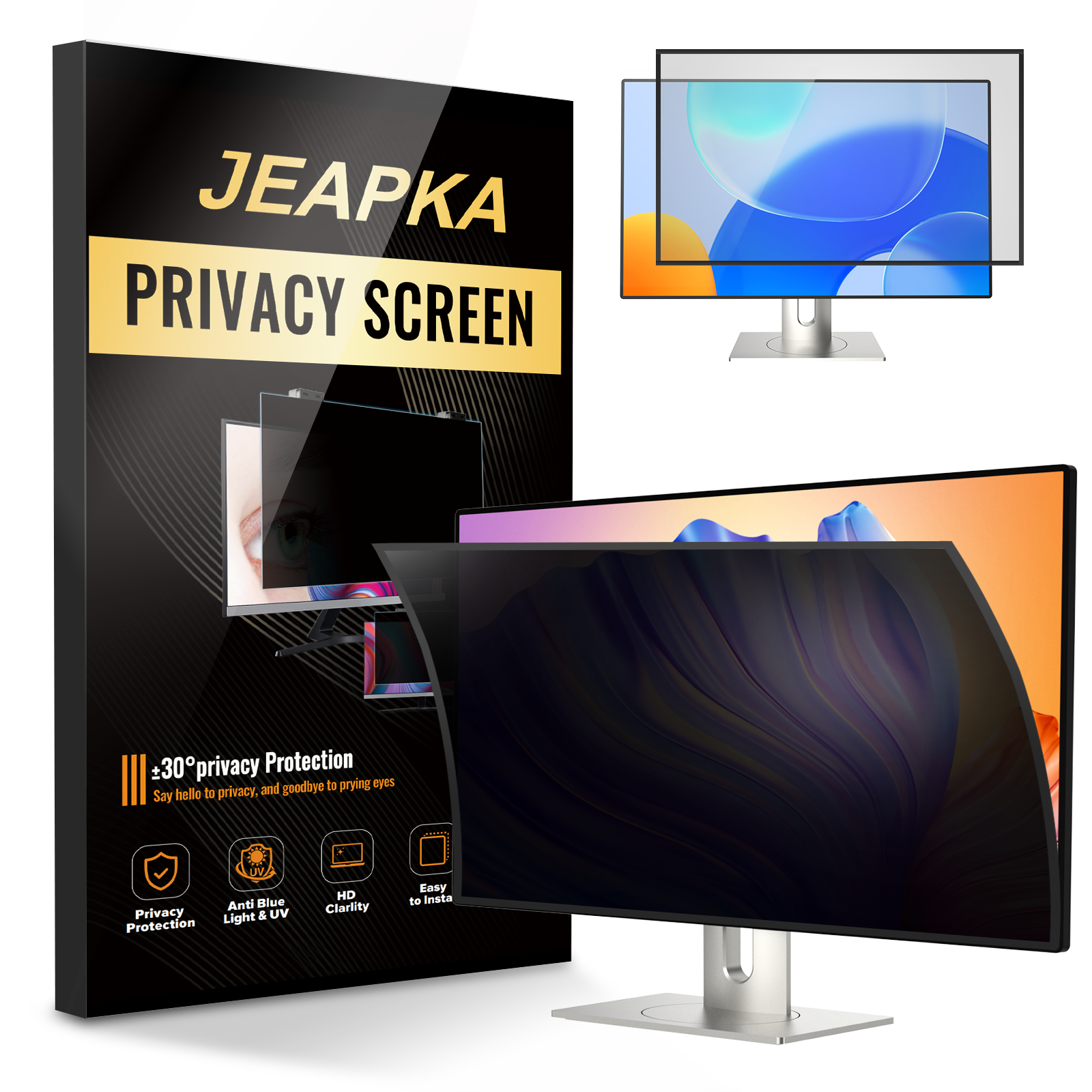
Yes, screen filters are available for external monitors as well. Ensure you choose the correct size and type for your specific monitor setup.
Related News