How Privacy Filters Safeguard Your Personal Information at Work
Release time:
2025-12-10

How Privacy Filters Safeguard Your Personal Information at Work
Understanding Privacy Filters: An Overview
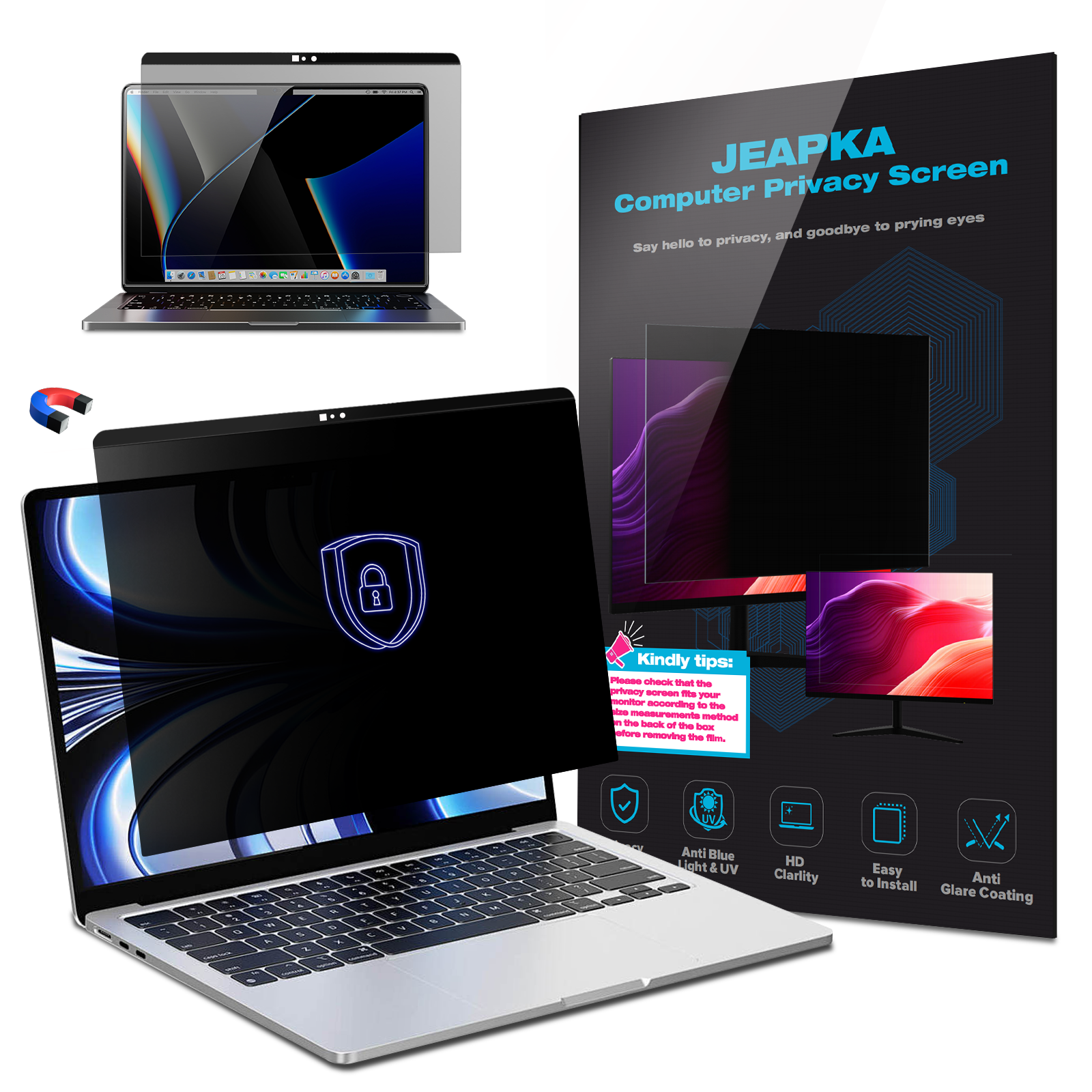
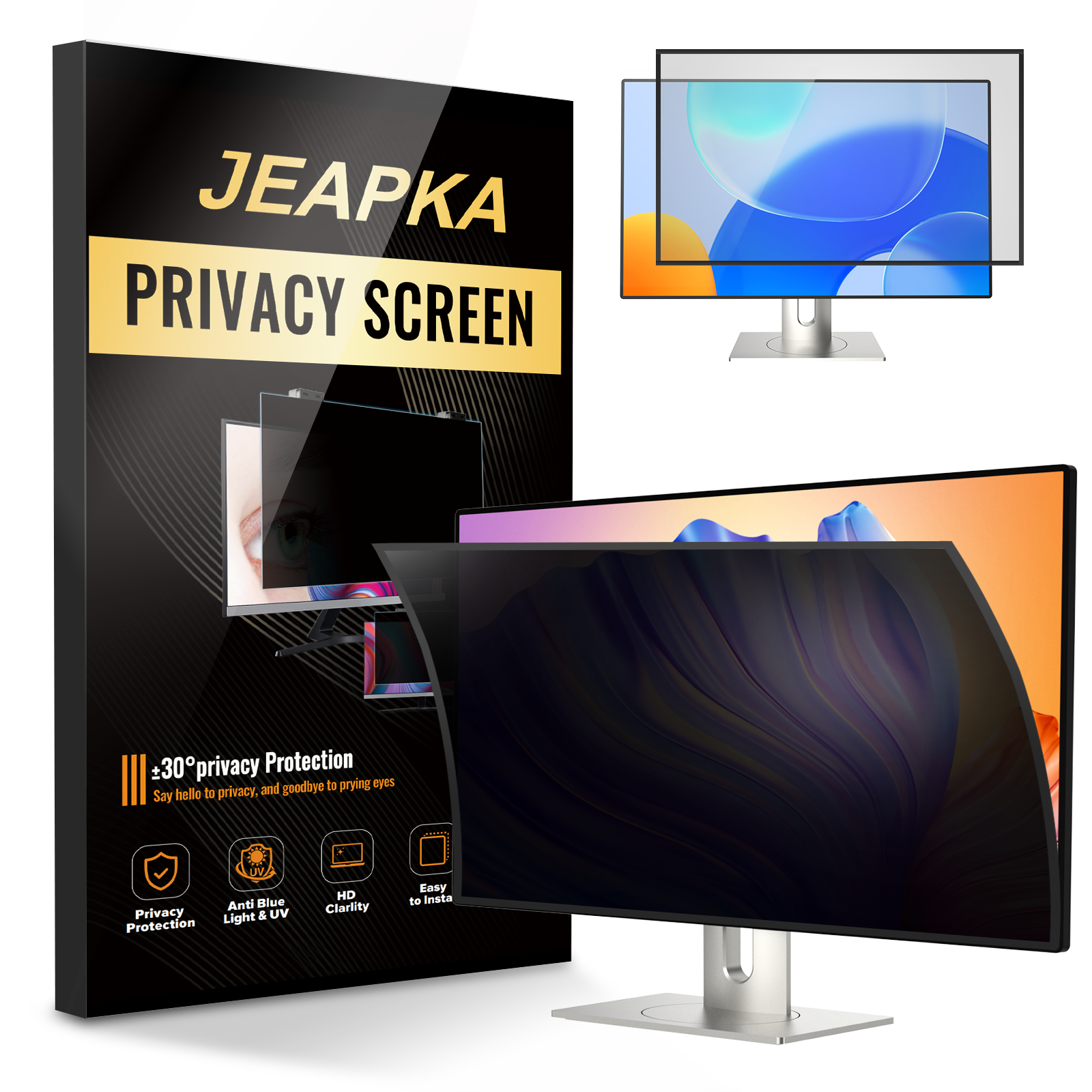
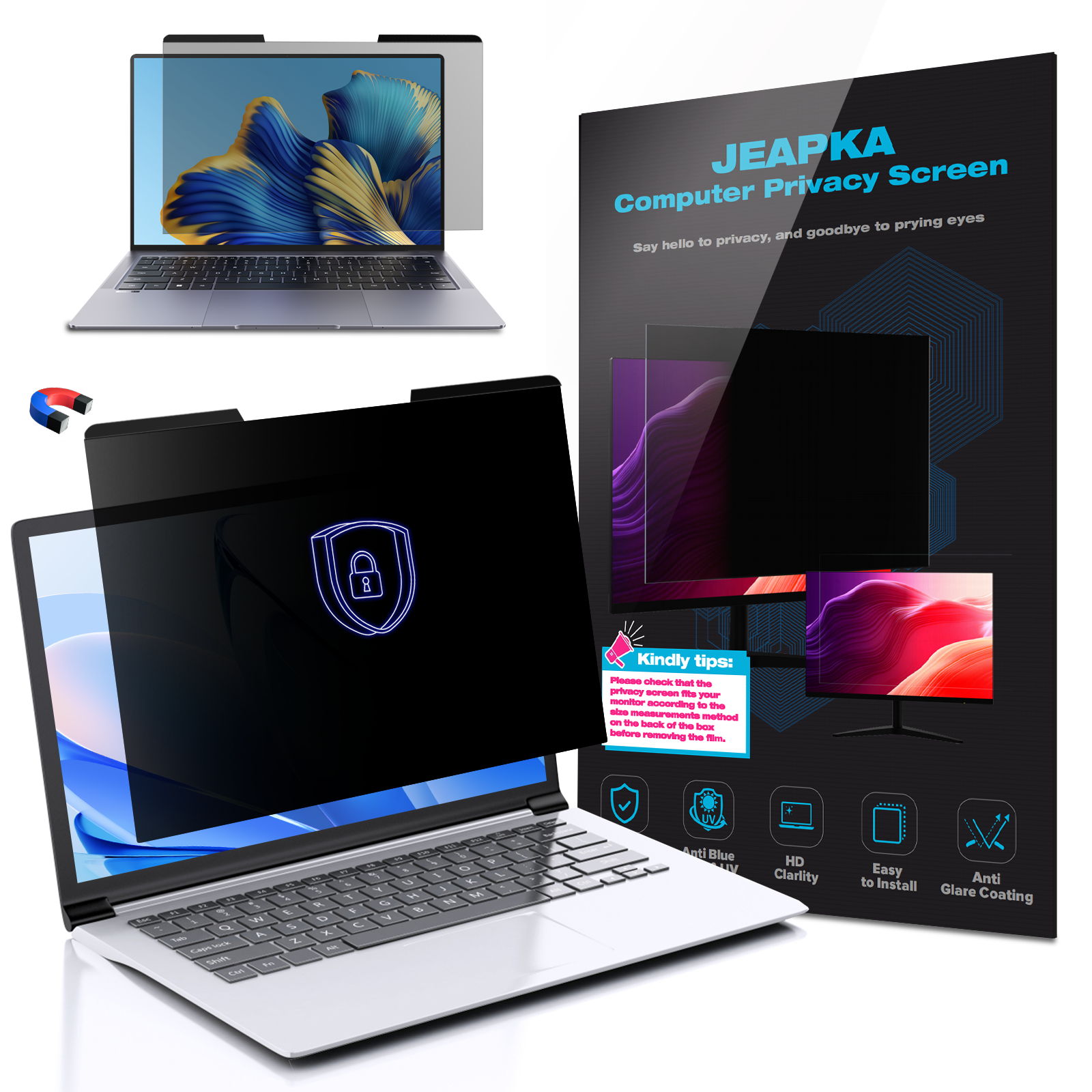
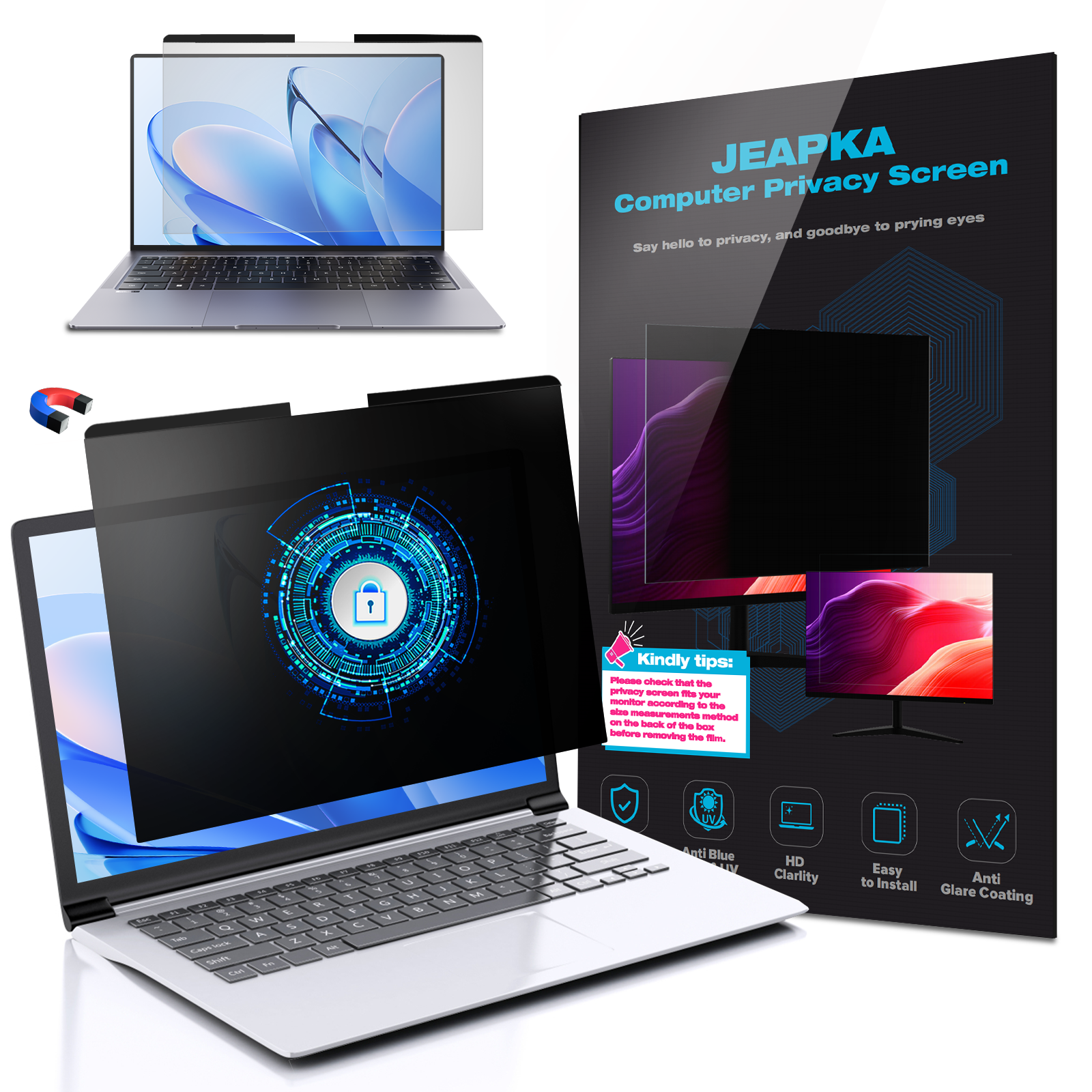
Privacy filters are essential tools for anyone concerned about maintaining the confidentiality of sensitive information in shared or public environments. These filters are typically applied to computer screens, laptops, tablets, and smartphones, creating an invisible barrier that prevents unauthorized viewing of the content displayed on the screen.
### What Are Privacy Filters?
Privacy filters, also known as privacy screens, are thin sheets that attach to the surface of your device's display. They provide a layer of protection from onlookers, restricting the viewing angle of the screen. This means that only the person directly in front of the screen can see the content clearly, while others to the side see a darkened, obscured view.
### How Do Privacy Filters Work?
Privacy filters use a technology that limits the screen's visibility to specific angles. This is typically achieved through the use of micro-louver technology, which consists of tiny, vertical blinds that only allow light to pass through at specific angles. As a result, anyone attempting to view the screen from an angle will see a blurred or blacked-out image, effectively keeping your sensitive information hidden from prying eyes.
The Importance of Protecting Personal Information at Work
In a professional setting, employees often access sensitive information that, if exposed, could lead to identity theft, data breaches, or corporate espionage. With the prevalence of open office layouts, co-working spaces, and shared devices, the risk of unauthorized viewing has significantly increased. Employing privacy filters is a straightforward and effective way to mitigate these risks.
### Risk of Data Breaches in Workplaces
Data breaches can have devastating consequences for both employees and organizations. According to recent studies, a significant percentage of data breaches occur due to human error, often exacerbated by a lack of awareness regarding information security practices. Privacy filters serve as a proactive measure to reduce the likelihood of accidental exposure.
### Enhancing Personal Privacy
Using privacy filters not only protects sensitive information but also enhances the overall privacy of the employee. In workplaces where discussions revolve around confidential projects, financial data, or personal information, having a privacy filter can provide peace of mind, allowing employees to focus on their tasks without the anxiety of being watched.
Benefits of Using Privacy Filters
### 1. Enhanced Data Protection
The primary benefit of privacy filters is improved data protection. By restricting the viewing angle, privacy filters reduce the risk of data theft and ensure that confidential information remains confidential.
### 2. Increased Focus and Productivity
When employees feel secure about their information, they are more likely to concentrate on their work. Privacy filters eliminate distractions caused by unwarranted attention from colleagues or passersby, fostering an environment conducive to productivity.
### 3. Cost-Effective Solution
Investing in privacy filters is a cost-effective solution for businesses aiming to enhance data security. Compared to potential losses incurred from a data breach, the cost of implementing privacy filters is minimal.
### 4. Easy to Install and Use
Most privacy filters are designed for easy installation. They can be easily applied and removed, making them a flexible option for employees who may need to transition between different workstations or environments.
### 5. Versatile Applications
Privacy filters can be used on various devices, including desktops, laptops, tablets, and smartphones. This versatility allows employees to safeguard information, regardless of the device they are using.
Types of Privacy Filters
### 1. Standard Privacy Filters
Standard privacy filters are the most common type and are suitable for everyday use. They provide basic protection by limiting the viewing angle to about 30 degrees.
### 2. Anti-Glare Privacy Filters
These filters not only protect your screen from prying eyes but also reduce glare from ambient light. This feature is particularly beneficial in brightly lit offices or work environments.
### 3. Privacy Filters for Touchscreen Devices
Designed specifically for devices with touchscreens, these filters allow for unhindered touch functionality while maintaining privacy.
### 4. Blue Light Blocking Privacy Filters
These filters offer dual protection by blocking harmful blue light, which can cause eye strain, while also providing privacy protection.
### 5. Custom Fit Filters
For unique devices or larger screens, custom-fit privacy filters can be manufactured to meet specific dimensions, ensuring complete screen coverage.
How to Choose the Right Privacy Filter for Your Needs
Selecting the right privacy filter involves considering several factors to ensure it meets your specific needs.
### Assess Your Environment
Evaluate the level of privacy required based on your workplace setting. Open offices may necessitate more robust privacy options compared to more enclosed spaces.
### Screen Size and Compatibility
Ensure the filter you choose fits your device's screen size. Most manufacturers provide specifications for various models, and custom options are available for unique sizes.
### Filter Type
Choose a filter type based on your needs – whether you require anti-glare features, touch compatibility, or blue light blocking capabilities.
### Quality of Material
Opt for high-quality materials that won't obscure the display's resolution or brightness. High-grade filters should enhance visibility while maintaining privacy.
Installation and Maintenance of Privacy Filters
### Installation Steps
1. **Clean the Screen**: Before applying a privacy filter, clean your device's screen with a microfiber cloth to remove dust and fingerprints.
2. **Align the Filter**: Carefully align the filter with the screen, ensuring it covers the entire display.
3. **Secure the Filter**: Follow the manufacturer's instructions to secure the filter in place, whether using adhesive strips or a magnetic attachment.
### Maintenance Tips
- **Regular Cleaning**: Keep the privacy filter clean by wiping it down regularly with a microfiber cloth.
- **Avoid Harsh Chemicals**: Use gentle cleaning solutions to avoid damaging the filter’s surface.
- **Check for Wear and Tear**: Periodically inspect the filter for scratches or wear that could affect its effectiveness.
Real-World Applications of Privacy Filters
### Corporate Environments
In corporate environments, privacy filters are an invaluable asset, particularly in meeting rooms where confidential discussions occur.
### Financial Institutions
Employees at banks and financial firms often handle sensitive financial data. Privacy screens help protect client information and adhere to regulatory compliance.
### Health Care Facilities
In healthcare settings, privacy filters are crucial for safeguarding patient information, complying with HIPAA regulations, and maintaining confidentiality.
### Educational Institutions
Students and faculty members can benefit from privacy filters while working on sensitive projects or conducting research in shared spaces.
Frequently Asked Questions (FAQs)
### 1. Do privacy filters affect screen brightness?
Privacy filters may slightly decrease brightness, but high-quality filters are designed to minimize this effect while ensuring clarity.
### 2. Can I use a privacy filter on a touchscreen device?
Yes, many privacy filters are specifically designed for touchscreen devices, allowing you to use the device without obstruction.
### 3. How do I clean my privacy filter without damaging it?
Use a microfiber cloth and gentle cleaning solution specifically formulated for electronics to avoid scratches or damage.
### 4. Are privacy filters reusable?
Yes, many privacy filters are reusable; however, their lifespan may vary depending on the quality and frequency of use.
### 5. Can privacy filters help with eye strain?
Certain privacy filters also block blue light, which can reduce eye strain associated with prolonged screen time.
Conclusion
In an increasingly digital world, safeguarding personal information at work is paramount. Privacy filters provide a simple yet effective solution to protect sensitive data from unauthorized access. By investing in privacy filters, individuals and organizations not only enhance data security but also foster a focused and productive work environment. With various types of filters available, choosing the right one can significantly impact your ability to maintain privacy and security in your daily work routines.
Related News