Why Every Remote Worker Needs a Computer Monitor Privacy Filter
Release time:
2025-08-20

Why Every Remote Worker Needs a Computer Monitor Privacy Filter
Table of Contents
- 1. Introduction to Monitor Privacy Filters
- 2. The Importance of Data Privacy in Remote Work
- 3. How Computer Monitor Privacy Filters Work
- 4. Types of Computer Monitor Privacy Filters
- 5. Benefits of Using a Privacy Filter
- 6. Key Features to Consider When Choosing a Privacy Filter
- 7. How to Install a Computer Monitor Privacy Filter
- 8. Frequently Asked Questions
- 9. Conclusion: Elevate Your Remote Work Setup
1. Introduction to Monitor Privacy Filters
As remote work continues to gain momentum, protecting sensitive information has become increasingly important. With more employees working from home, the likelihood of data breaches and unauthorized access rises significantly. **Computer monitor privacy filters** serve as an effective solution, allowing users to maintain focus while ensuring their screens are shielded from prying eyes.
2. The Importance of Data Privacy in Remote Work
In a remote working environment, data privacy is not just a luxury; it's a necessity. With confidential conversations and sensitive documents being shared digitally, the risk of exposure can have dire consequences. A **computer monitor privacy filter** offers a vital layer of security, ensuring that only the intended viewer can access the information displayed on the screen.
**Protecting Personal Information**
When working from home, employees often deal with personal data that needs to be kept secure. Whether it's financial records, client information, or proprietary company data, the implications of unauthorized access can be devastating. A privacy filter helps mitigate these risks.
**Enhancing Focus**
In addition to safeguarding information, privacy filters can enhance focus and productivity. By limiting distractions from onlookers, remote workers can concentrate better on their tasks, leading to improved work quality.
3. How Computer Monitor Privacy Filters Work
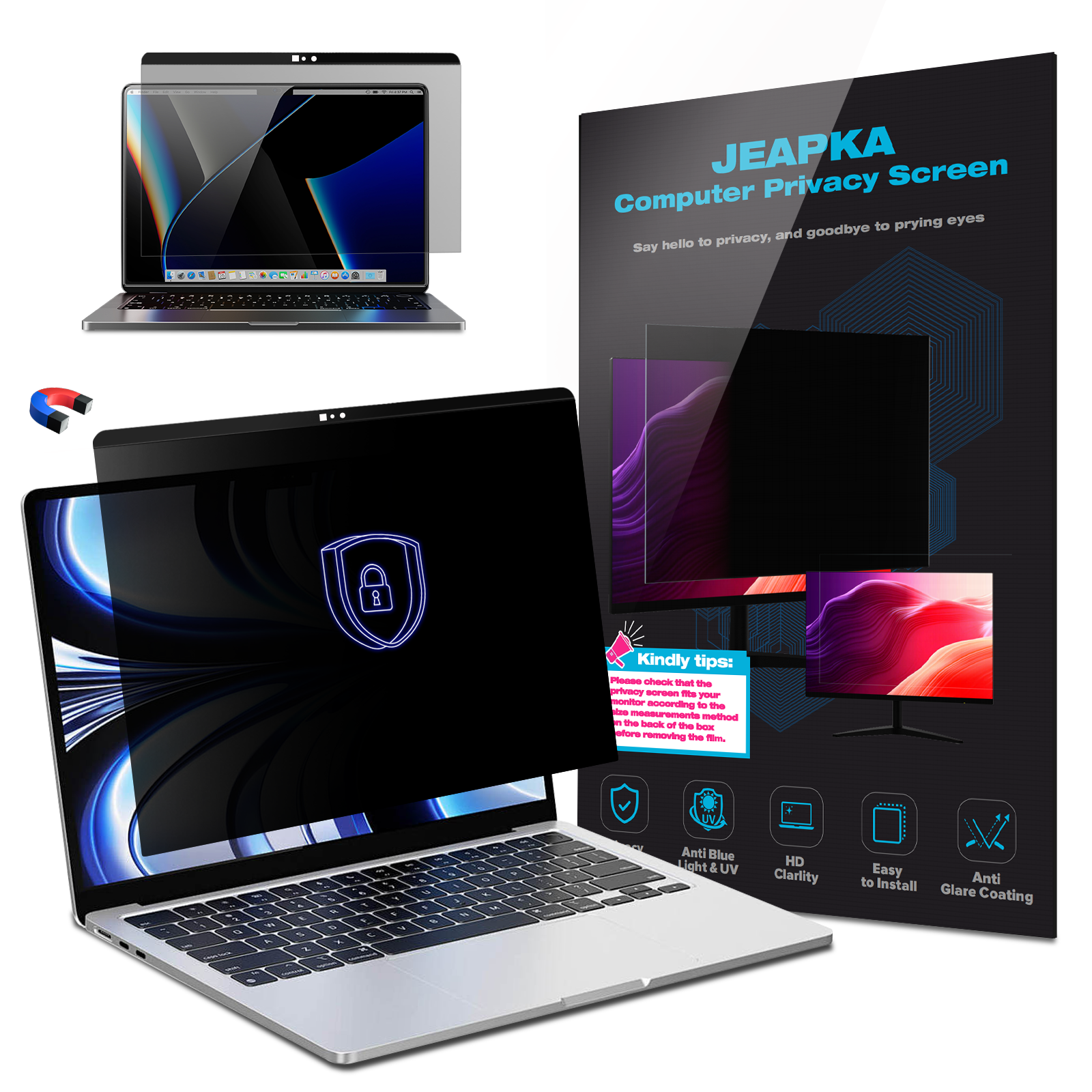
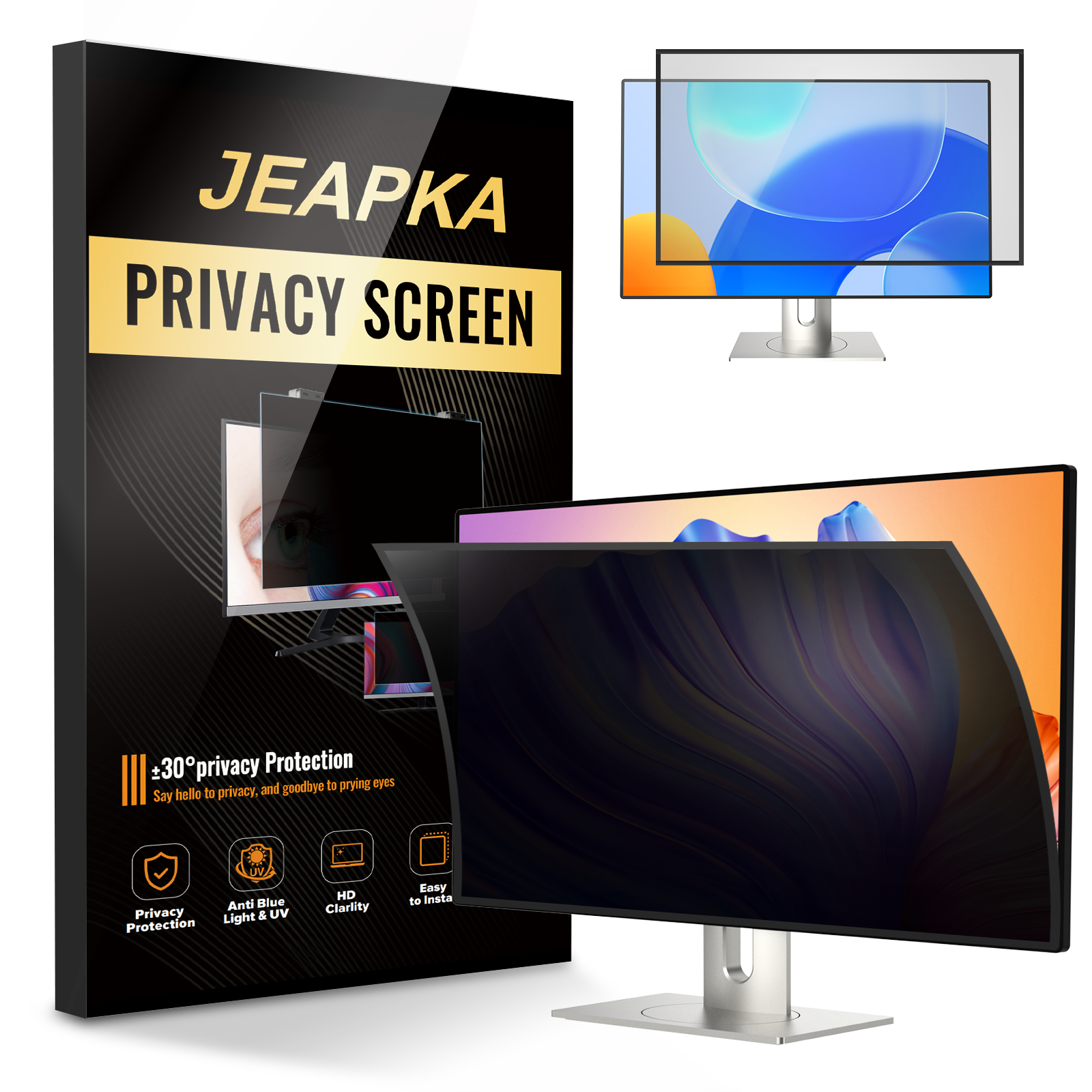
A computer monitor privacy filter operates on the principle of blocking the viewable angle of the screen. When installed, the filter narrows the viewing angle, making it difficult for anyone not directly in front of the monitor to see the content displayed.
**Light Polarization Technology**
Most privacy filters utilize light polarization technology, which prevents light from passing through the screen unless viewed directly. This ensures that only the user has a clear view of the content, while bystanders see a darkened or blurred image.
4. Types of Computer Monitor Privacy Filters
Several types of computer monitor privacy filters cater to different user needs and preferences. Understanding these options can help you make an informed decision.
4.1 Adhesive Privacy Filters
Adhesive privacy filters attach directly to the screen using a special adhesive. These filters are easy to install and remove, making them ideal for users who may want to switch between using a privacy filter and a clear screen.
**Pros:**
- Easy installation
- Can be removed without damage to the monitor
**Cons:**
- May leave adhesive residue
- Requires careful alignment during installation
4.2 Clip-On Privacy Filters
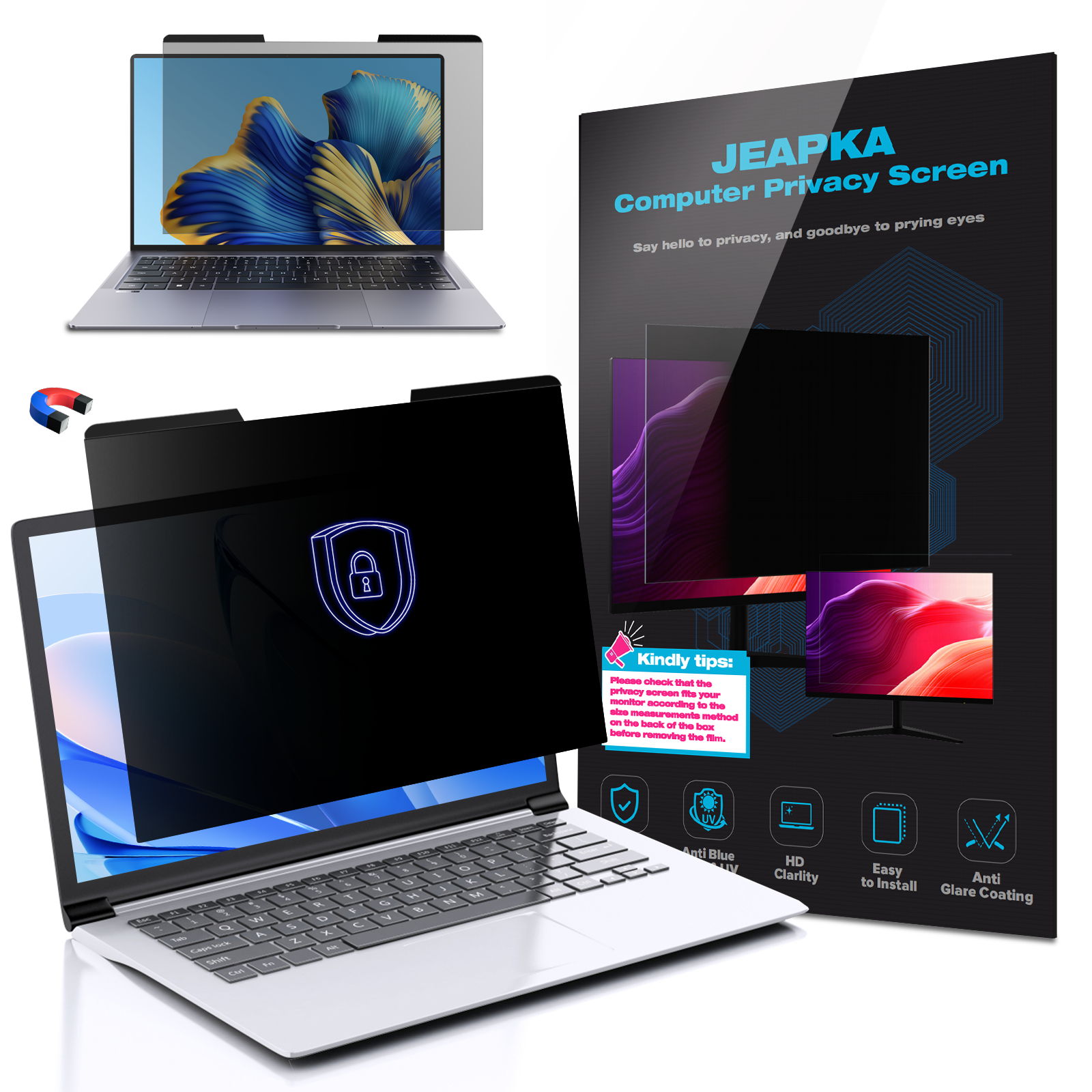
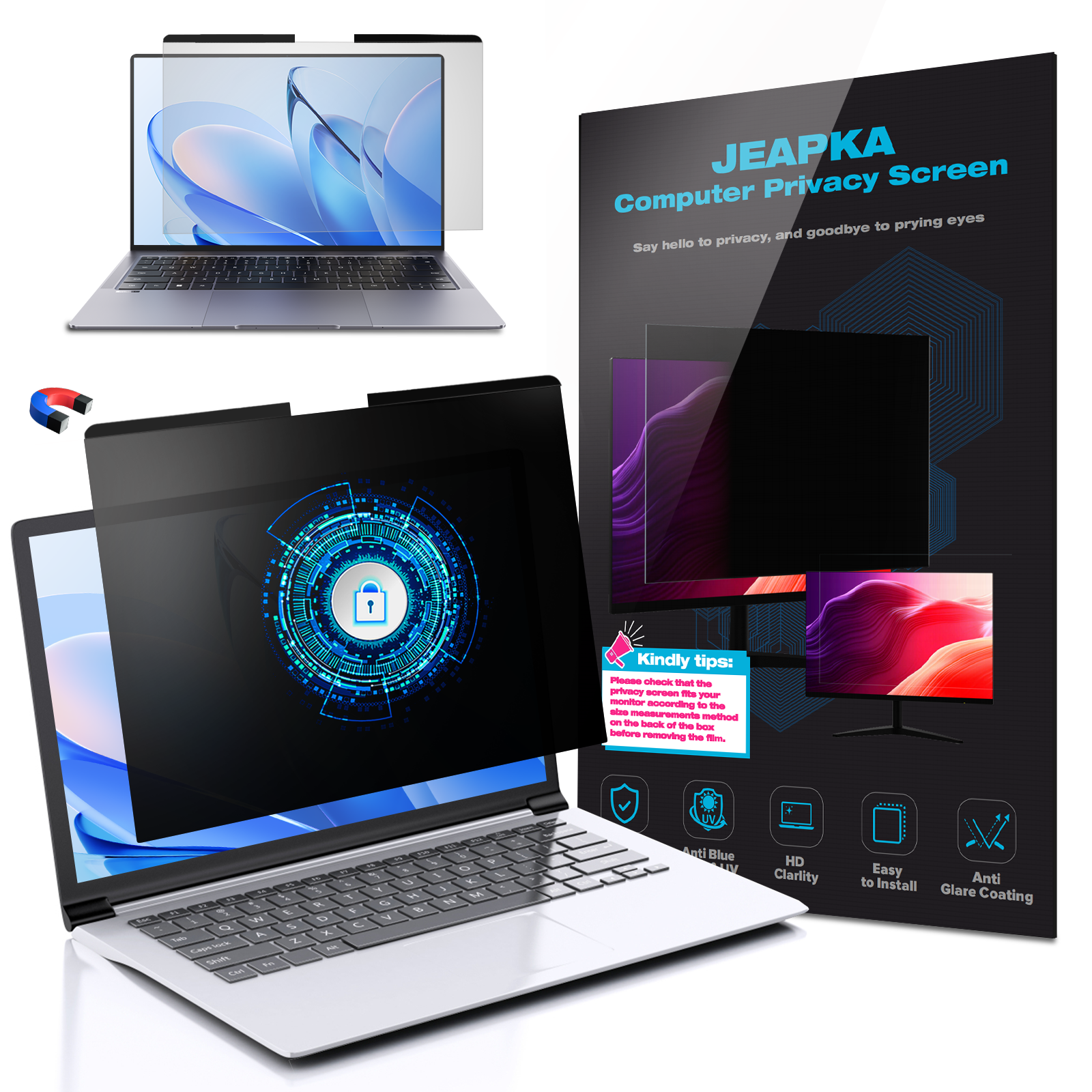
Clip-on filters are designed to be easily attached and detached from the monitor. They typically come with brackets that allow for quick installation without the need for adhesives.
**Pros:**
- Quick installation and removal
- No risk of adhesive damage
**Cons:**
- May not fit all monitor sizes
- Could be bulkier than adhesive options
4.3 Built-In Privacy Filters
Some modern monitors come with integrated privacy filters. These monitors allow users to switch privacy modes with a simple button, providing convenience without the need for additional accessories.
**Pros:**
- No additional accessories needed
- Seamless integration with the monitor design
**Cons:**
- Higher cost
- Limited to specific monitor models
5. Benefits of Using a Privacy Filter
Investing in a computer monitor privacy filter offers numerous advantages that cater to both personal and professional needs.
**Enhanced Security**
By restricting the viewing angle, privacy filters significantly lower the chances of sensitive information being compromised. This is especially crucial for remote workers handling confidential data.
**Increased Productivity**
When distractions from onlookers are minimized, remote workers can focus more effectively on their tasks. This leads to heightened productivity and improved work output.
**Eye Protection**
Many privacy filters come equipped with anti-glare properties, reducing strain on the eyes. This is particularly beneficial for individuals who spend long hours in front of their screens.
**Versatility**
Privacy filters are available for various devices, including laptops and desktop monitors. This versatility means that users can maintain privacy across all their devices.
6. Key Features to Consider When Choosing a Privacy Filter
When selecting a computer monitor privacy filter, several features should be evaluated to ensure it meets your needs.
**Screen Size Compatibility**
Ensure that the filter you choose is compatible with your monitor size. Filters are available in various dimensions, so checking specifications is essential.
**Anti-Glare Technology**
Look for filters that offer anti-glare properties. This feature helps reduce reflections and makes it easier to see the screen, especially in brightly lit environments.
**Durability**
Consider the material quality of the privacy filter. High-quality filters are more durable and will withstand regular use without degrading performance.
**Installation Ease**
Choose a filter that is easy to install and remove. Some users may prefer adhesive filters, while others may opt for clip-on versions.
7. How to Install a Computer Monitor Privacy Filter
Installing a computer monitor privacy filter is a straightforward process, but following the correct steps ensures optimal performance.
**Preparation**
Before installation, clean your monitor screen thoroughly to remove dust and fingerprints. Use a microfiber cloth and a gentle cleaning solution.
**Alignment**
If you're using an adhesive filter, carefully align it with the monitor's edges before pressing it down. For clip-on filters, place the brackets in the appropriate position and secure them tightly.
**Final Check**
Once installed, check the viewing angles to ensure that the filter effectively blocks visibility from sides while providing a clear view from the front.
8. Frequently Asked Questions
1. Can I use a privacy filter on a laptop?
Yes, many privacy filters are designed specifically for laptops. Ensure you select one that fits your laptop's screen size.
2. Do privacy filters affect screen brightness?
Some privacy filters may slightly reduce screen brightness. However, many modern filters are designed to minimize this effect, offering a balance between privacy and visibility.
3. How do I clean my privacy filter?
Use a microfiber cloth and a gentle cleaner to wipe down the filter. Avoid harsh chemicals that could damage the filter's surface.
4. Are privacy filters reversible?
Most privacy filters are not reversible. They are designed to block the view from either side, but they typically have a clear surface for viewing directly.
5. Can I remove and reapply my privacy filter multiple times?
Adhesive privacy filters can be removed and reapplied, but repeated removal may reduce stickiness. Clip-on filters can be easily removed and reattached without issue.
9. Conclusion: Elevate Your Remote Work Setup
In today's remote work landscape, the importance of safeguarding sensitive information cannot be overstated. A computer monitor privacy filter is an essential tool for any remote worker looking to enhance data security and boost productivity. By choosing the right type of filter and understanding its benefits, you can create a workspace that not only protects your information but also maximizes your focus and efficiency. Make the investment in a privacy filter today and experience the peace of mind that comes with secure remote work.
Related News