Finding the Best Blue Screen Filter for Your Home Office: A Comprehensive Guide
Release time:
2025-09-17

Finding the Best Blue Screen Filter for Your Home Office
In today’s digital age, many of us find ourselves spending countless hours in front of screens. With the rise of remote work, the significance of having a comfortable and healthy workspace has never been more critical. One way to enhance your home office environment is by using a **blue screen filter**. This article provides an in-depth exploration of what blue screen filters are, their benefits, how to choose the right one, and our top recommendations.
Table of Contents
- What is a Blue Screen Filter?
- Benefits of Blue Screen Filters
- Types of Blue Screen Filters
- How to Choose the Best Blue Screen Filter for Your Home Office
- Top Blue Screen Filters in the Market
- Installation Tips for Blue Screen Filters
- Maintaining Your Blue Screen Filter
- Frequently Asked Questions
- Conclusion
What is a Blue Screen Filter?
A blue screen filter is a device or software that reduces the amount of blue light emitted from screens such as computers, tablets, and smartphones. Blue light contributes to digital eye strain and can disrupt sleep patterns, particularly when exposed in the evening. By implementing a blue screen filter, users can mitigate these effects, leading to a more comfortable and healthier working experience.
Benefits of Blue Screen Filters
Utilizing a blue screen filter offers several notable benefits:
Reduced Eye Strain
Prolonged exposure to blue light can lead to **digital eye strain**, manifested through symptoms like headaches, dry eyes, and blurred vision. A blue screen filter helps alleviate these symptoms, allowing for more comfortable viewing.
Improved Sleep Quality
Exposure to blue light, especially in the evening, can interfere with the body's natural circadian rhythm, making it harder to fall asleep. By reducing blue light exposure, you can enjoy better sleep quality and improve overall health.
Enhanced Visual Comfort
Filters can optimize your screen's color temperature, making it easier on the eyes during extended use. This enhancement leads to a more pleasant viewing experience, particularly in low-light conditions.
Types of Blue Screen Filters
There are primarily two types of blue screen filters: physical filters and software solutions.
Physical Blue Screen Filters
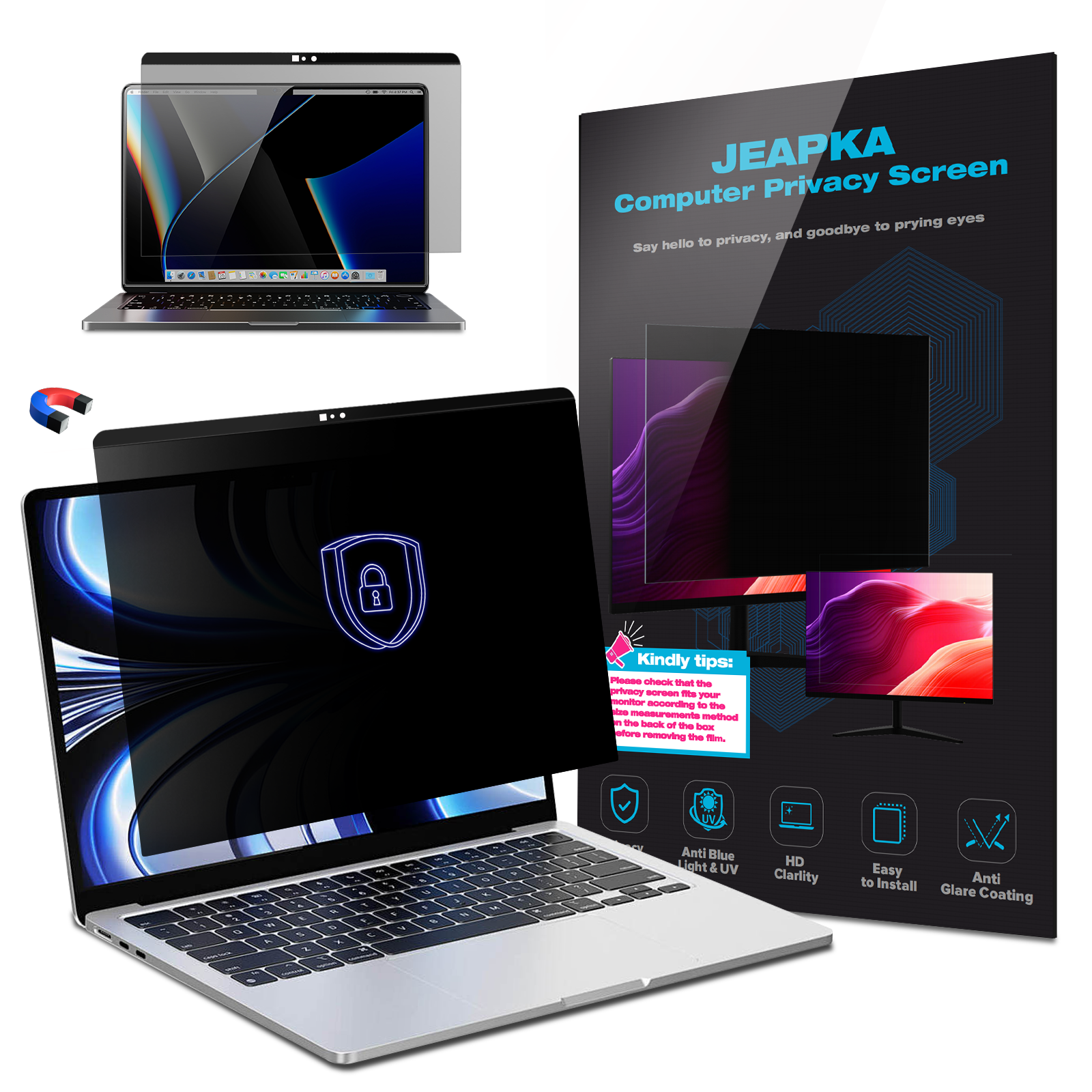
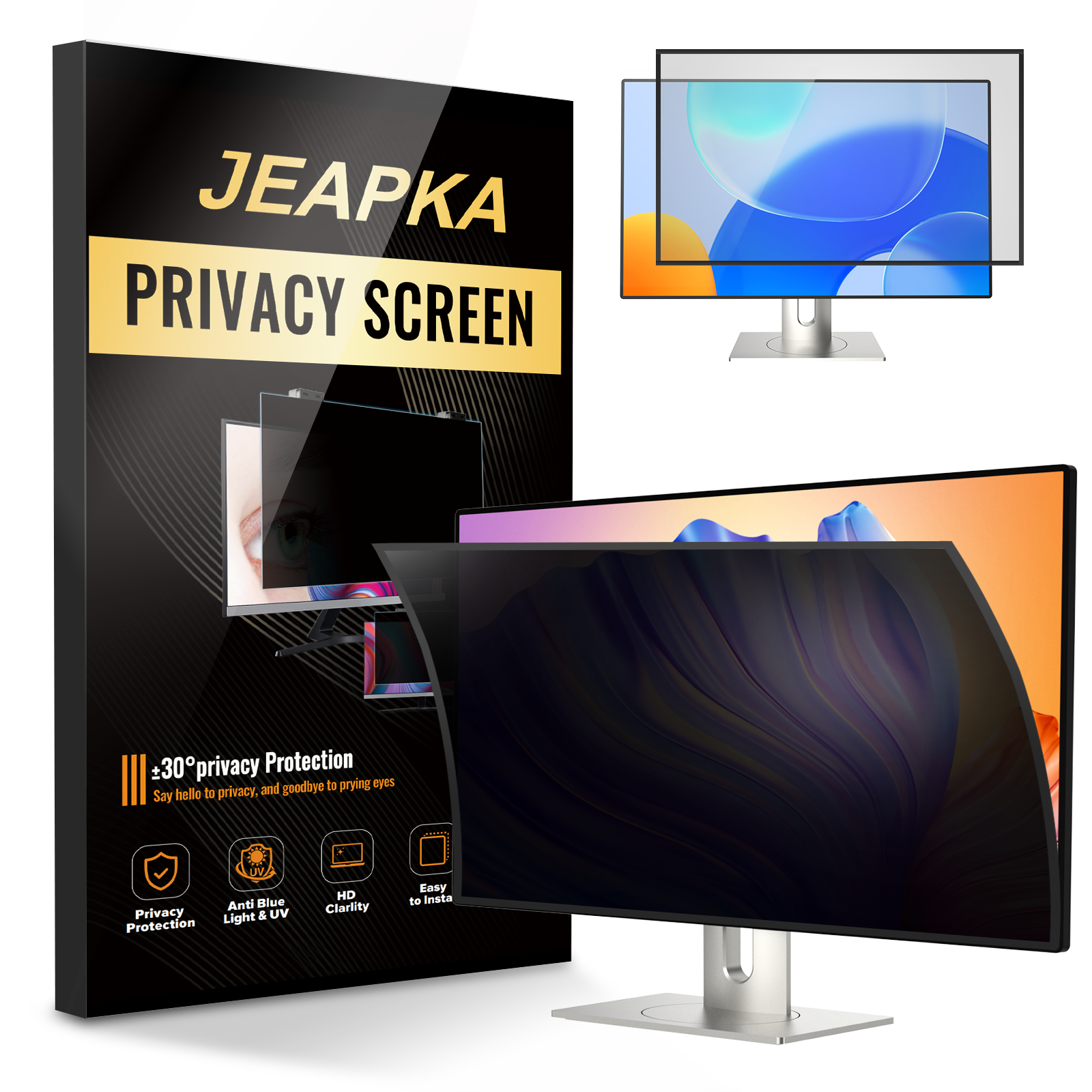
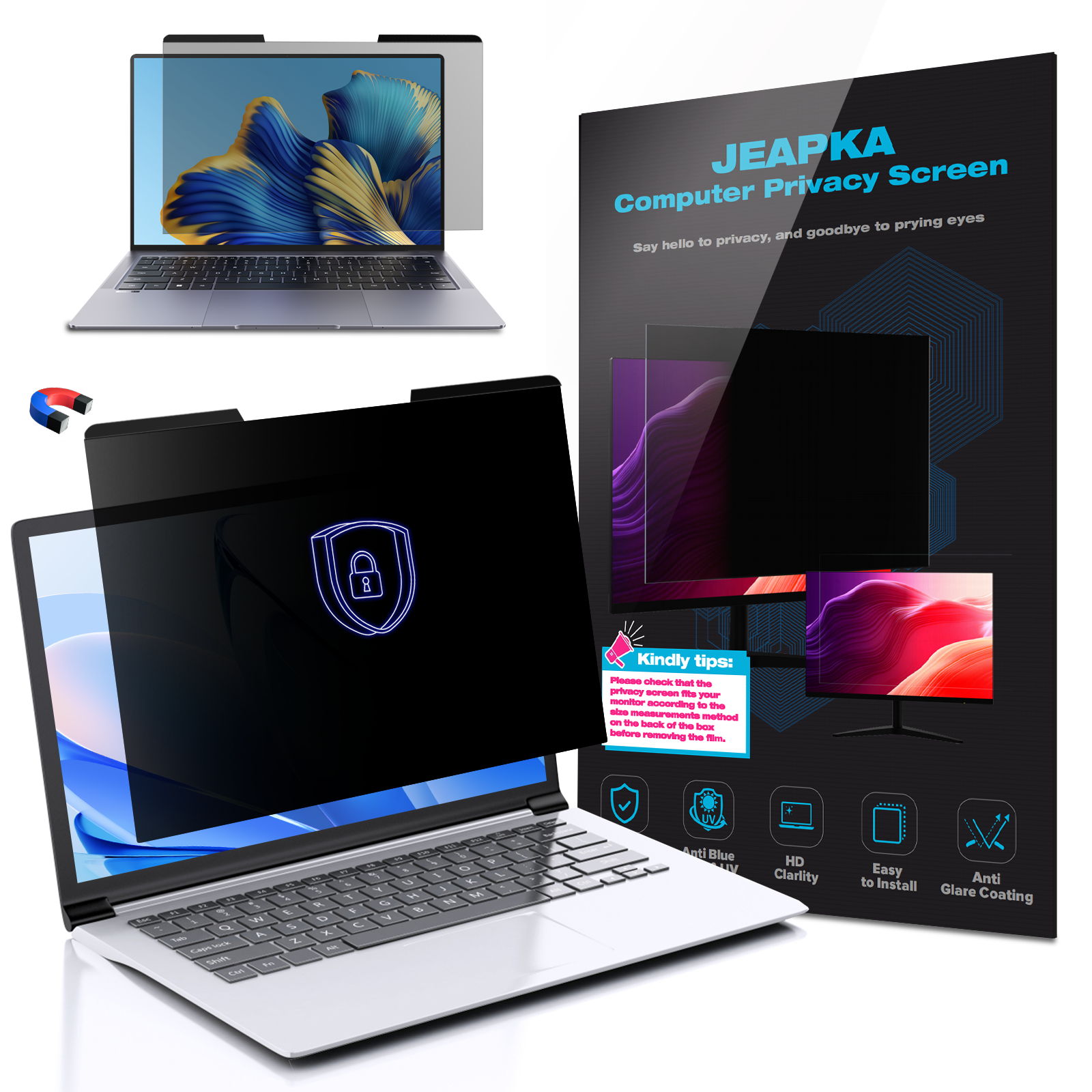
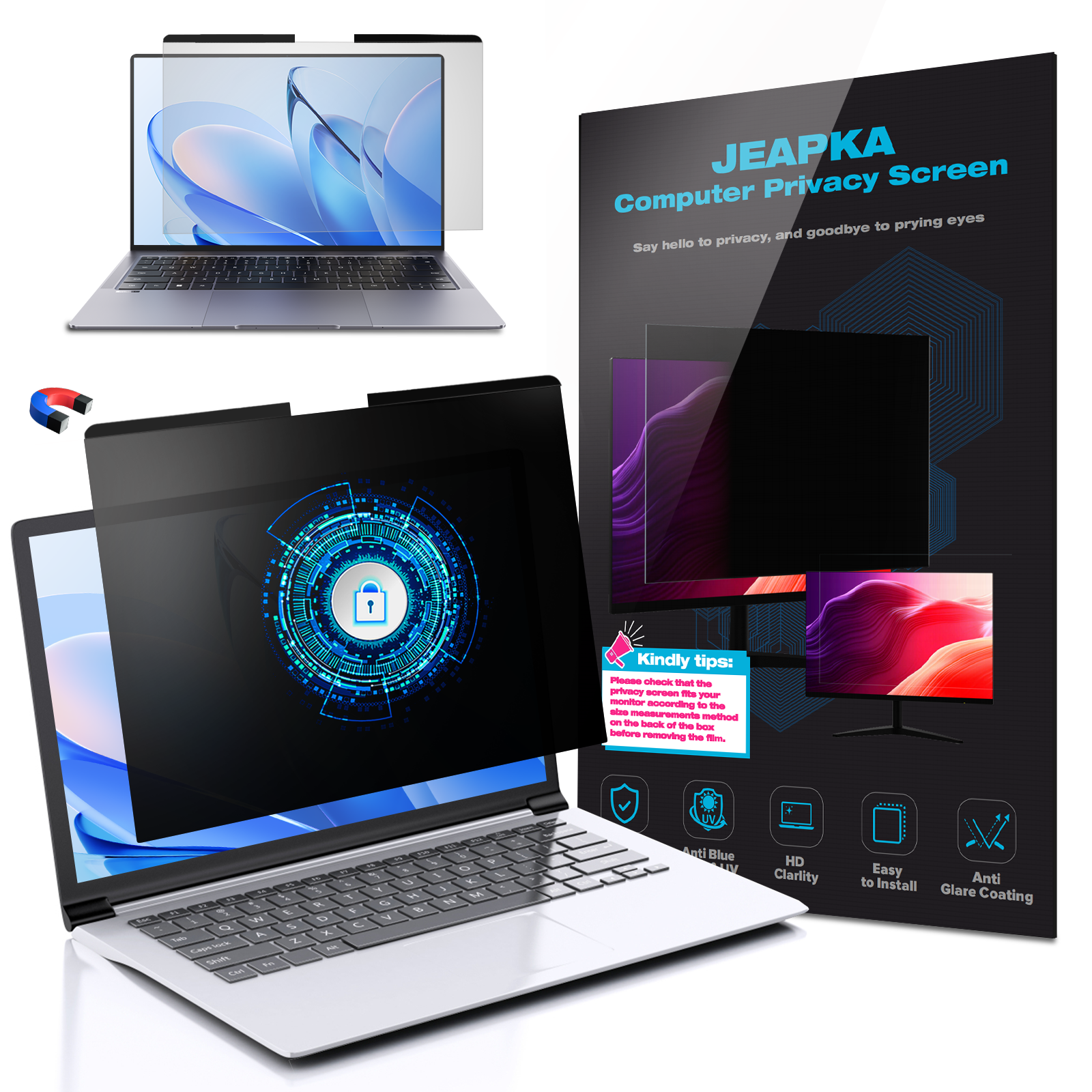
Physical blue screen filters are transparent screens or overlays that you attach to your monitor. They come in various sizes and designs and are easy to install. This type of filter does not require any software installation, making it a straightforward solution.
Software Solutions
Software-based blue light filters adjust the screen's display settings. Programs like **f.lux** or **Night Shift** on Mac allow users to customize their screen color temperature according to the time of day, reducing blue light emission in the evening.
How to Choose the Best Blue Screen Filter for Your Home Office
Choosing the right blue screen filter depends on several factors. Here’s a breakdown of how to make an informed decision:
1. Screen Size and Compatibility
Before purchasing, ensure the filter you choose is compatible with your monitor size. Filters come in various dimensions; thus, measuring your screen is crucial for a proper fit.
2. Type of Filter
Decide whether you prefer a physical filter or a software solution. If you frequently switch between devices, a software solution might be more versatile, while a physical filter offers permanent protection on a single device.
3. Ease of Installation
Look for filters that are easy to install and remove. A good blue screen filter should come with clear instructions and minimal hassle during setup.
4. Adjustability and Customization
If you opt for software solutions, consider programs that allow for color temperature adjustments throughout the day. This feature can enhance comfort during different lighting conditions.
5. Price and Quality
Evaluate various brands and read user reviews. While it may be tempting to go for the cheapest option, investing in a quality filter can provide better results and durability.
Top Blue Screen Filters in the Market
Here are some of the best blue screen filters available today:
1. Krylon Blue Light Blocking Screen Protector
This physical filter effectively blocks harmful blue light while preserving screen clarity. It's easy to install and fits most monitors.
2. Ocushield Blue Light Filter
Designed for optimal protection, Ocushield has received positive reviews for reducing eye strain and improving comfort. Its high-quality material ensures durability.
3. f.lux Software
This software solution is highly customizable, allowing users to adjust their screen's color temperature based on their environment and time of day.
4. EyeCare Screen Protector
This is a popular choice for those looking for physical screen protection. It provides excellent blue light blocking capabilities while keeping images sharp and clear.
5. BenQ ScreenBar Plus e-Reading LED Task Lamp
While not a traditional filter, this task lamp provides adjustable color temperatures and brightness levels, complementing the functionality of blue screen filters.
Installation Tips for Blue Screen Filters
Successfully installing a blue screen filter is crucial for maximizing its benefits. Here are some tips for both physical and software filters:
For Physical Filters
- Clean your monitor thoroughly before installation to avoid trapping dust and dirt.
- Align the filter carefully to ensure a perfect fit without covering essential components like the webcam.
- Press firmly to secure the filter, eliminating air bubbles.
For Software Filters
- Follow the installation instructions carefully, ensuring compatibility with your operating system.
- Customize settings to match your preferences and work habits.
- Regularly update the software to access new features and improvements.
Maintaining Your Blue Screen Filter
To get the most out of your blue screen filter, proper maintenance is key:
1. Regular Cleaning
For physical filters, regularly clean the surface using a microfiber cloth to prevent smudges and maintain clarity.
2. Software Updates
For software solutions, ensure that you keep the program updated. This will provide the best functionality and security features.
3. Monitor Performance
Pay attention to how your eyes feel during use. If you still experience discomfort, consider adjusting settings or investing in a different filter.
Frequently Asked Questions
1. Do blue screen filters really work?
Yes, blue screen filters effectively reduce blue light exposure, helping alleviate eye strain and improve sleep quality.
2. Can I use a blue screen filter with any device?
Most blue screen filters are designed for specific devices. Ensure compatibility with your monitor or screen size before purchasing.
3. Are software solutions better than physical filters?
It depends on personal preference. Software solutions offer versatility, while physical filters provide consistent protection across all usage scenarios.
4. How often should I replace my blue screen filter?
Physical filters may need replacement if they become scratched or damaged. Software filters should be updated regularly, but you won’t necessarily need to replace them.
5. Can blue light glasses replace a blue screen filter?
Blue light glasses can be a complementary solution but don’t necessarily replace the need for a blue screen filter as they serve different functions.
Conclusion
In summary, investing in a blue screen filter is a wise decision for anyone spending extensive time in front of screens, especially in a home office setup. By understanding the types of filters available, their benefits, and how to choose the right one for your workspace, you can significantly enhance your visual comfort and overall health. Whether you opt for a physical filter or a software solution, the key is to find what works best for you. Protect your eyes, improve your productivity, and enjoy a more comfortable working environment!
Related News