Enhance Your Focus: The Ultimate Guide to Laptop Screen Filters
Release time:
2025-10-29

Enhance Your Focus: The Ultimate Guide to Laptop Screen Filters
Table of Contents
1. Understanding Laptop Screen Filters
2. Types of Laptop Screen Filters
2.1 Blue Light Blocking Filters
2.2 Anti-Glare Filters
2.3 Privacy Filters
3. Benefits of Using Laptop Screen Filters
3.1 Eye Protection and Comfort
3.2 Increased Productivity
3.3 Enhanced Privacy
4. How to Choose the Right Screen Filter for Your Laptop
4.1 Screen Size and Compatibility
4.2 Material and Quality
4.3 Features to Consider
5. Installation Tips for Laptop Screen Filters
6. Maintenance and Care for Your Screen Filter
7. Common Questions About Laptop Screen Filters
8. Conclusion: Elevate Your Focus with the Right Screen Filter
1. Understanding Laptop Screen Filters
Laptop screen filters are protective accessories designed to be applied to the screens of laptops, tablets, and other devices. They serve multiple purposes, enhancing not only the visual experience but also providing protection against harmful elements. With the increasing amount of time we spend on screens, understanding the importance of these filters becomes essential for anyone who values their health and productivity.
2. Types of Laptop Screen Filters
Laptop screen filters come in various types, each tailored to address specific needs. Let’s explore the different categories available on the market.
2.1 Blue Light Blocking Filters
Blue light blocking filters are designed to reduce the amount of blue light emitted from screens. Prolonged exposure to blue light can lead to digital eye strain, which manifests as discomfort, fatigue, and reduced focus. By using a blue light filter, users can experience less eye strain and better sleep quality.
2.2 Anti-Glare Filters
Anti-glare filters reduce glare from ambient light, making it easier to see the screen in bright environments. Whether working under fluorescent lights or in direct sunlight, these filters help maintain screen visibility and enhance comfort, allowing users to work longer without discomfort.
2.3 Privacy Filters
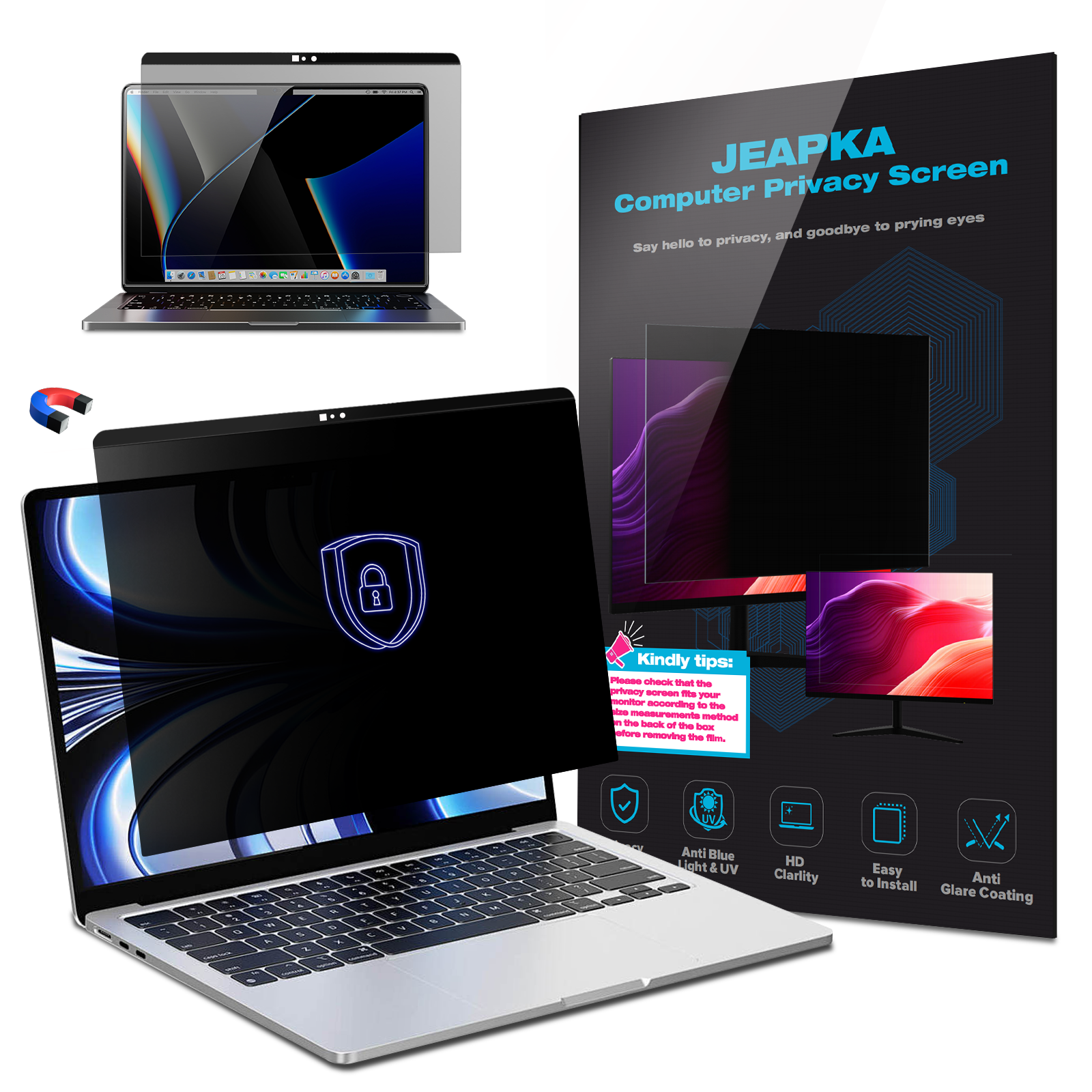
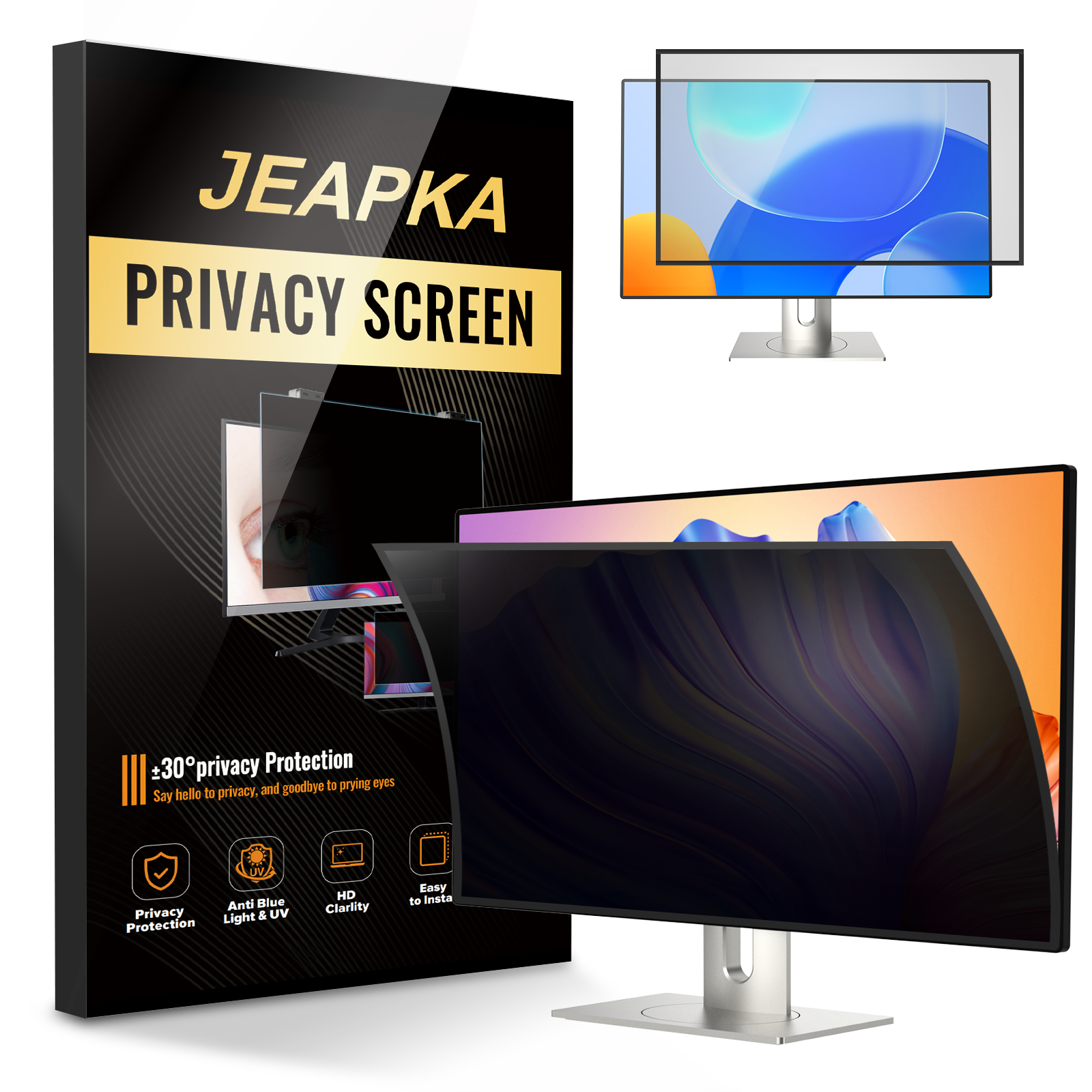
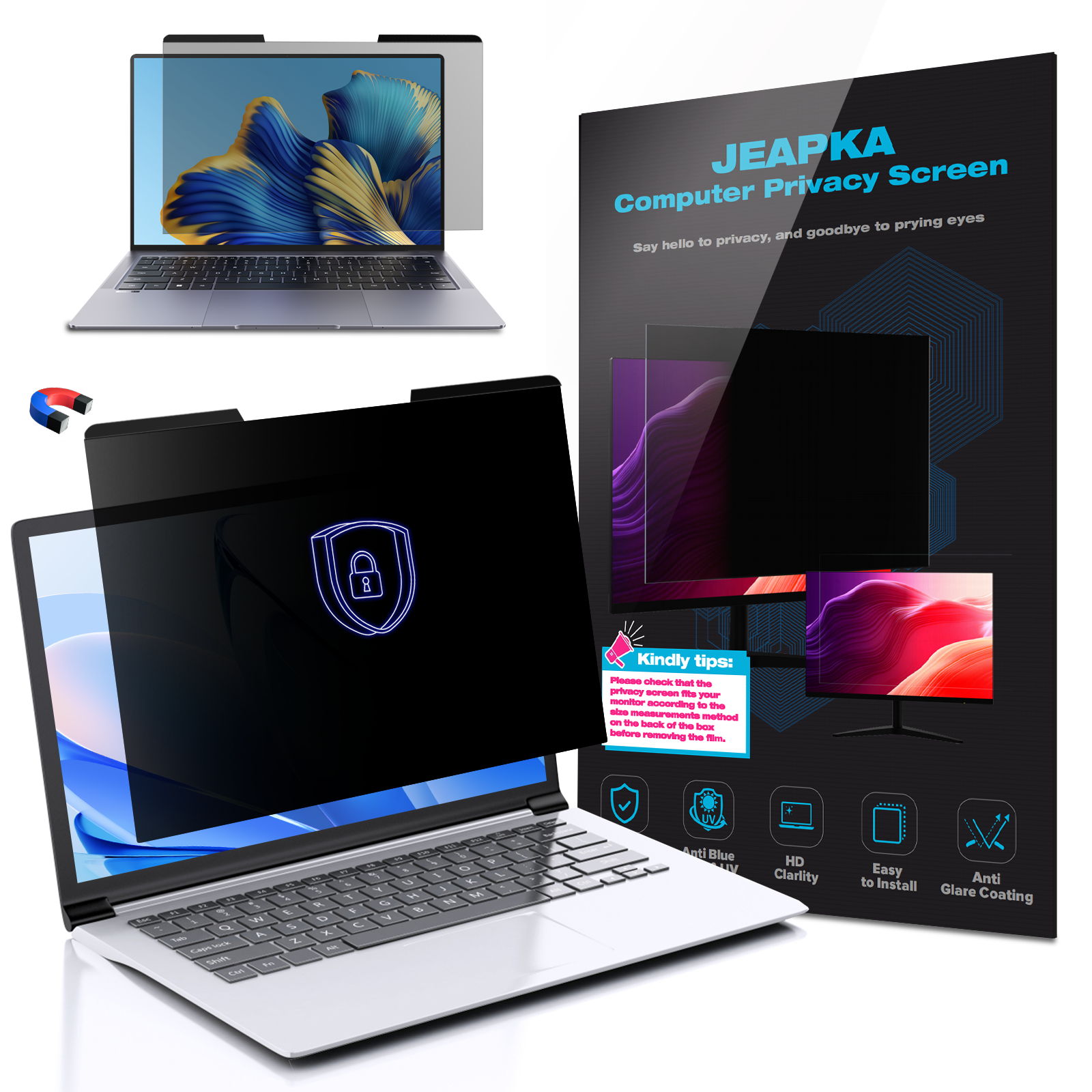
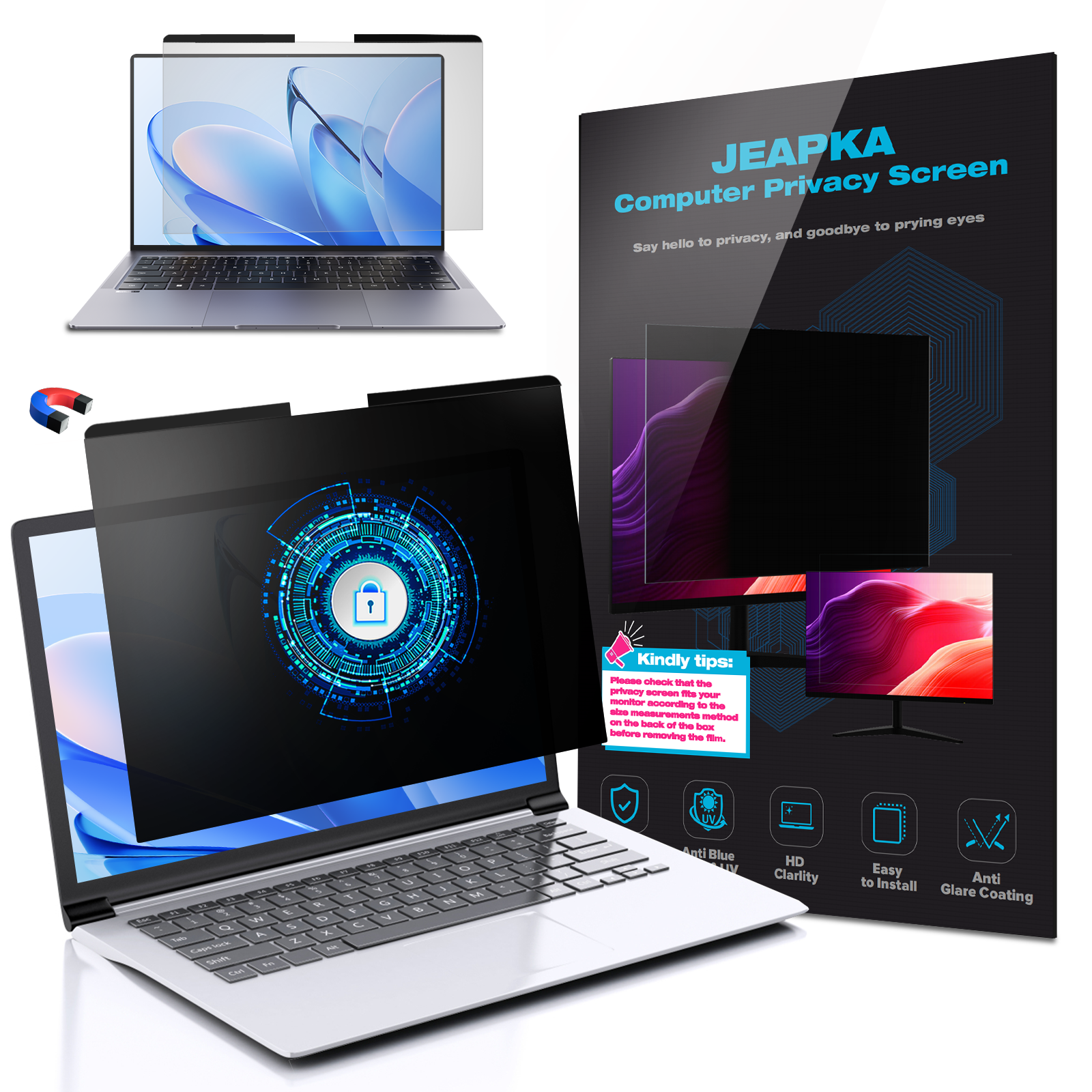
Privacy filters are perfect for those who work in public spaces. These filters restrict the viewing angle, ensuring that only the person directly in front of the screen can see the content. This added layer of security is essential for professionals handling sensitive information, preventing prying eyes from accessing confidential data.
3. Benefits of Using Laptop Screen Filters
The advantages of incorporating a laptop screen filter into your workspace are manifold. Understanding these benefits can help you make an informed purchase.
3.1 Eye Protection and Comfort
Using a laptop screen filter contributes significantly to eye comfort. By reducing glare and blocking harmful blue light, these filters help maintain eye health, especially during extended periods of use. Users often report less eye fatigue and discomfort when using filters regularly.
3.2 Increased Productivity
With fewer distractions and enhanced focus, users can experience a notable increase in productivity. A screen filter helps create a more comfortable working environment, allowing for longer and more effective work sessions. The reduction in eye strain can also lead to fewer breaks, thus maintaining workflow.
3.3 Enhanced Privacy
In today's fast-paced work environment, privacy is paramount. Privacy filters provide peace of mind, allowing users to work in public places without worrying about shoulder surfers or curious onlookers. This added security can lead to a more focused and stress-free work experience.
4. How to Choose the Right Screen Filter for Your Laptop
Selecting the appropriate laptop screen filter involves several considerations. Here’s what to keep in mind.
4.1 Screen Size and Compatibility
Before purchasing a screen filter, ensure it is compatible with your laptop's screen size. Most manufacturers provide specifications and sizes, making it easier to find the right fit. A well-fitted filter will ensure seamless functionality and aesthetics.
4.2 Material and Quality
The material of the screen filter affects both durability and performance. Look for filters made of high-quality materials that offer clear resolution and a long lifespan. High-grade filters not only perform better but also resist scratches and damage over time.
4.3 Features to Consider
When choosing a filter, consider additional features like anti-glare technology, easy installation mechanisms, and removable designs. Some filters come with special coatings that enhance their performance, so take the time to review product specifications before making a decision.
5. Installation Tips for Laptop Screen Filters
Installing a laptop screen filter can be a straightforward process if done correctly. Here are some tips for a successful installation:
1. **Clean the Screen:** Before applying the filter, make sure your laptop screen is free from dust and fingerprints. Use a microfiber cloth with a suitable screen cleaner for best results.
2. **Align the Filter:** Carefully align the filter with the edges of your screen. Ensure that it fits snugly and covers the entire display area.
3. **Apply Gently:** If your filter uses adhesive, apply it gently to avoid bubbles. If it’s a magnetic or clip-on type, ensure it’s securely fastened.
4. **Check for Air Bubbles:** After installation, check for any air bubbles. If present, gently push them towards the edges with a soft cloth.
6. Maintenance and Care for Your Screen Filter
Proper maintenance can extend the life of your laptop screen filter. Here’s how to care for it:
- **Regular Cleaning:** Clean the filter regularly with a soft, lint-free cloth to remove dust and smudges.
- **Avoid Harsh Chemicals:** Do not use abrasive cleaners or alcohol-based products, as they may damage the filter.
- **Store Properly:** If you remove the filter, store it in its original packaging to protect it from scratches and dust.
7. Common Questions About Laptop Screen Filters
**Q1: Do laptop screen filters affect screen brightness?**
A1: Yes, some filters may slightly reduce brightness. However, the benefits of glare reduction and eye protection often outweigh this drawback.
**Q2: Can I use a laptop screen filter on a tablet?**
A2: Many laptop screen filters are designed specifically for laptops, but some can also fit tablets. Always check the dimensions before purchasing.
**Q3: How often should I replace my laptop screen filter?**
A3: Depending on usage and wear, you may need to replace your screen filter every 1-2 years or when it becomes scratched or damaged.
**Q4: Are there any filters that can help with color accuracy?**
A4: Yes, some high-quality filters are designed to preserve color accuracy while providing glare and blue light protection.
**Q5: Can I easily remove the filter?**
A5: Most filters are designed for easy removal. Magnetic and clip-on types can be easily taken off, while adhesive types may require careful peeling.
8. Conclusion: Elevate Your Focus with the Right Screen Filter
Incorporating a laptop screen filter into your workspace is a proactive step towards enhancing focus, productivity, and overall eye health. By understanding the different types of filters available, their benefits, and how to choose the right one, you can significantly improve your working environment. Whether you opt for a blue light blocking filter, an anti-glare option, or a privacy screen, the right choice will help you maintain clarity and comfort in your daily tasks. Investing in a quality laptop screen filter is an investment in your health and productivity—make the switch today!
Related News