Why Every Professional Needs a Computer Privacy Filter for Confidentiality
Release time:
2025-07-09

Why Every Professional Needs a Computer Privacy Filter for Confidentiality
Understanding Computer Privacy Filters
What is a Computer Privacy Filter?
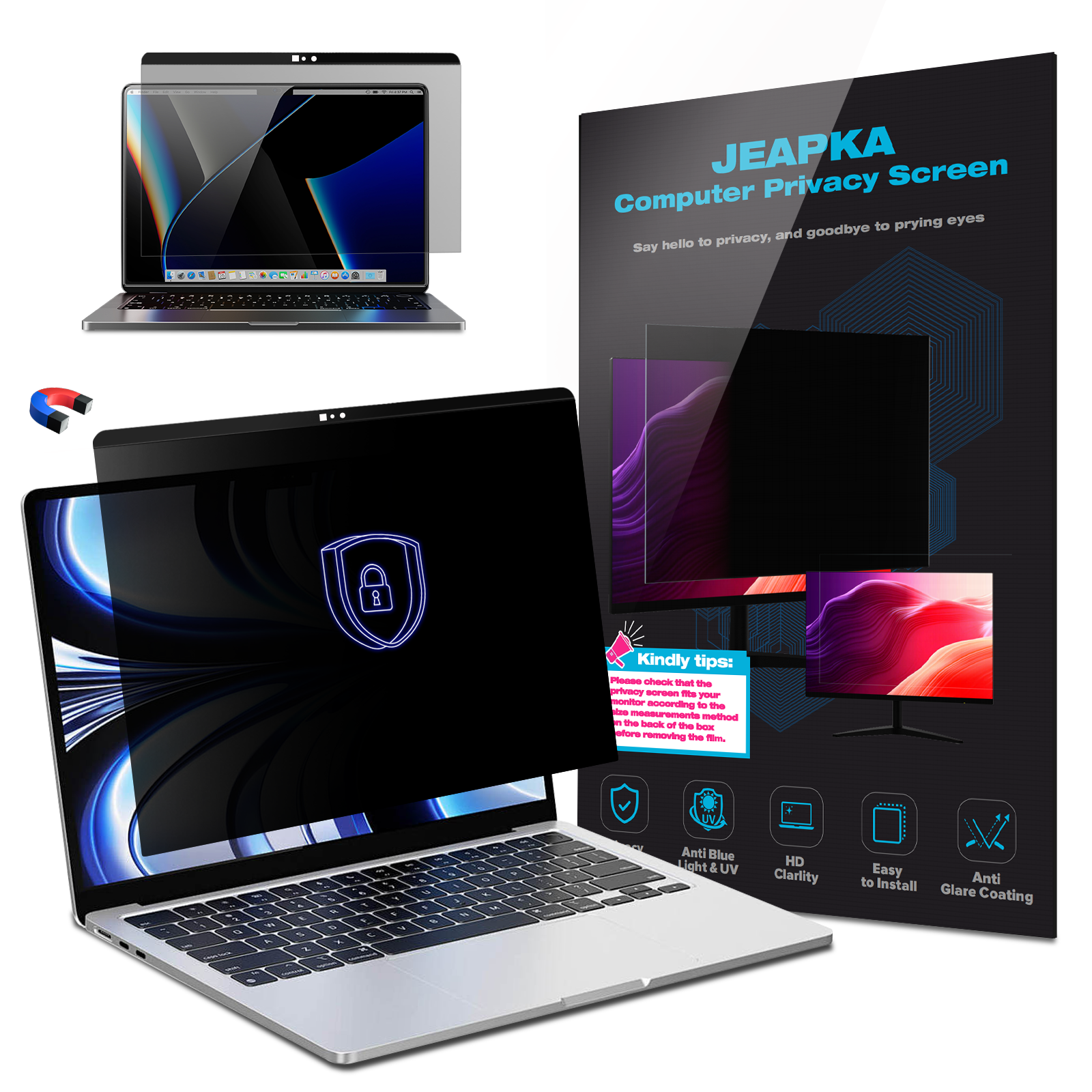
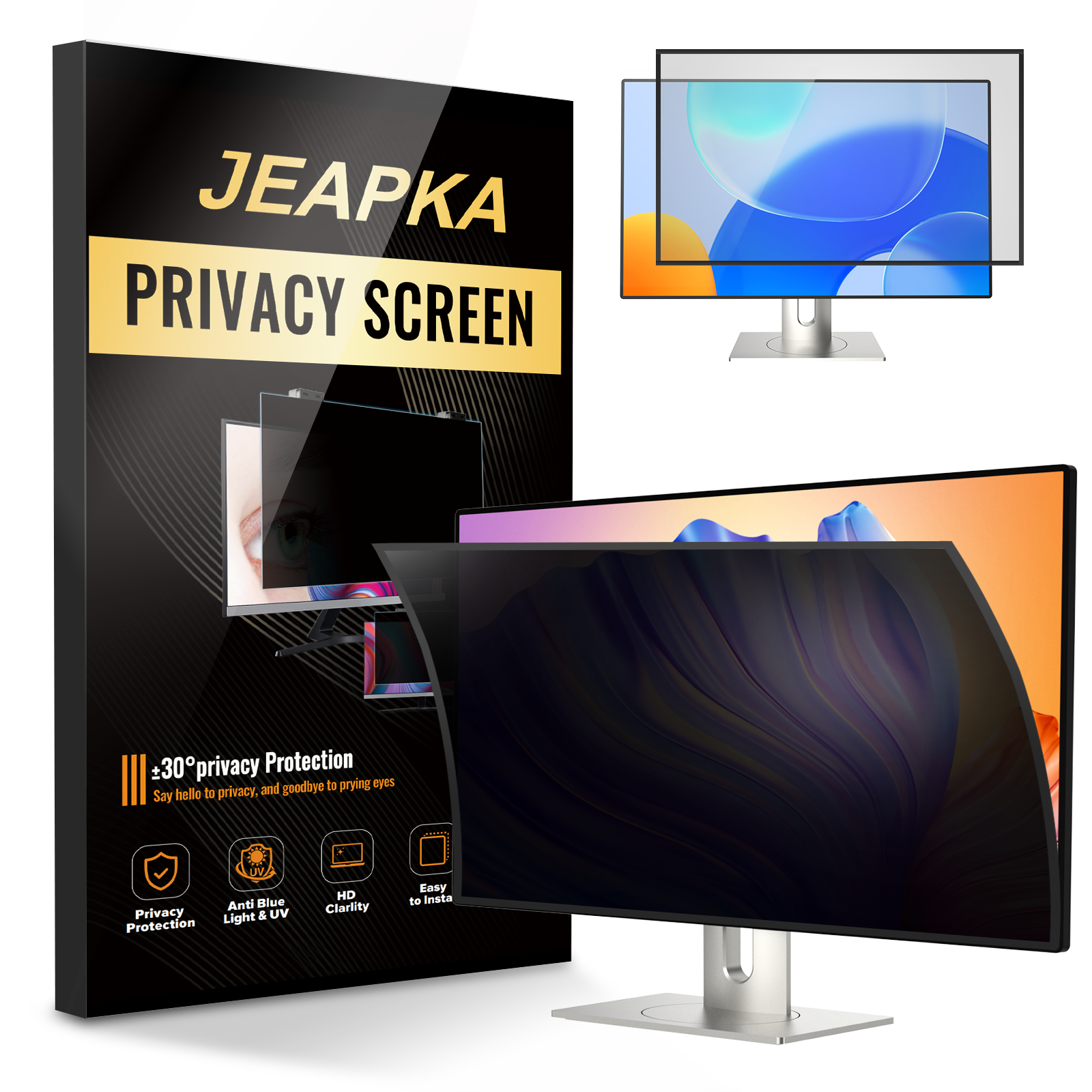
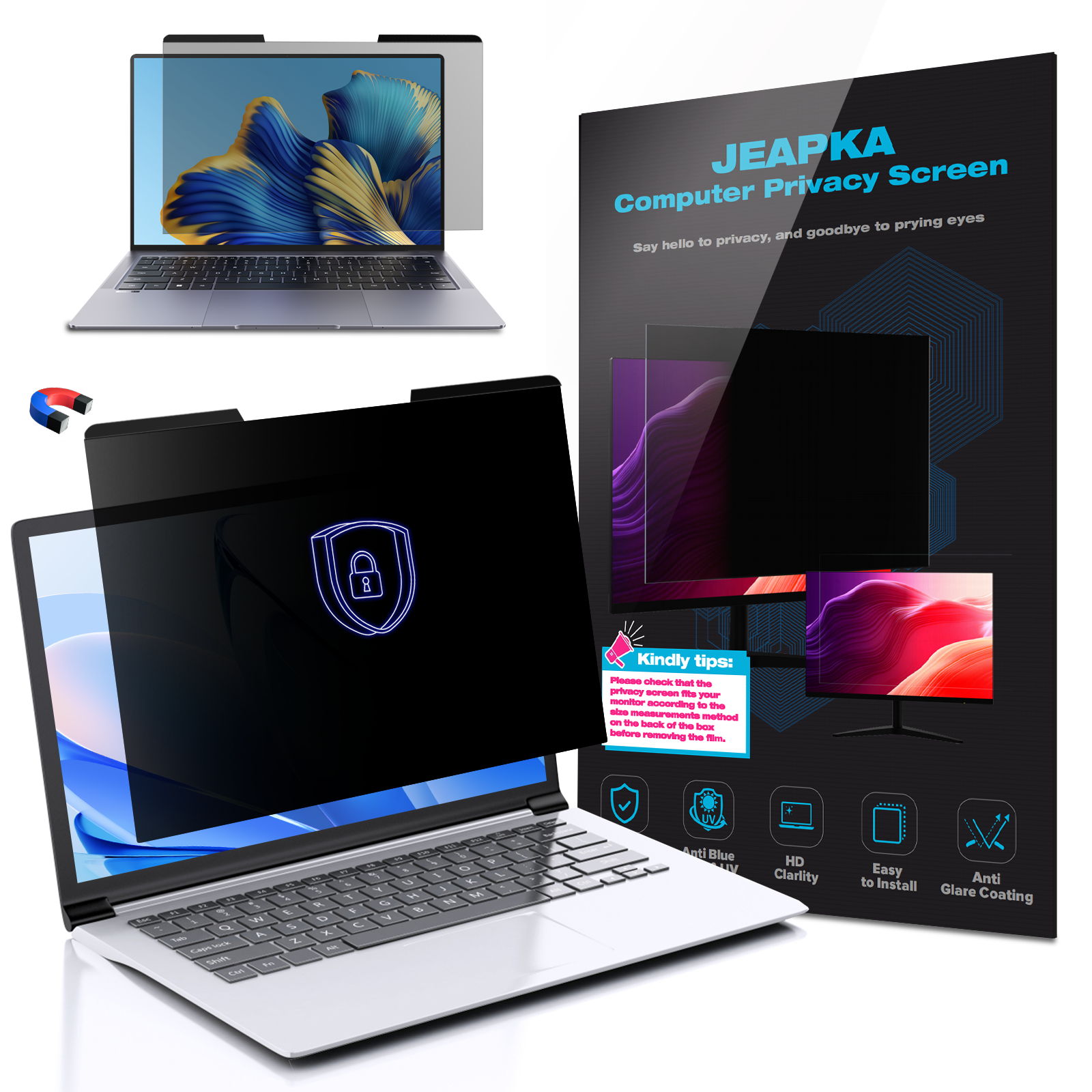
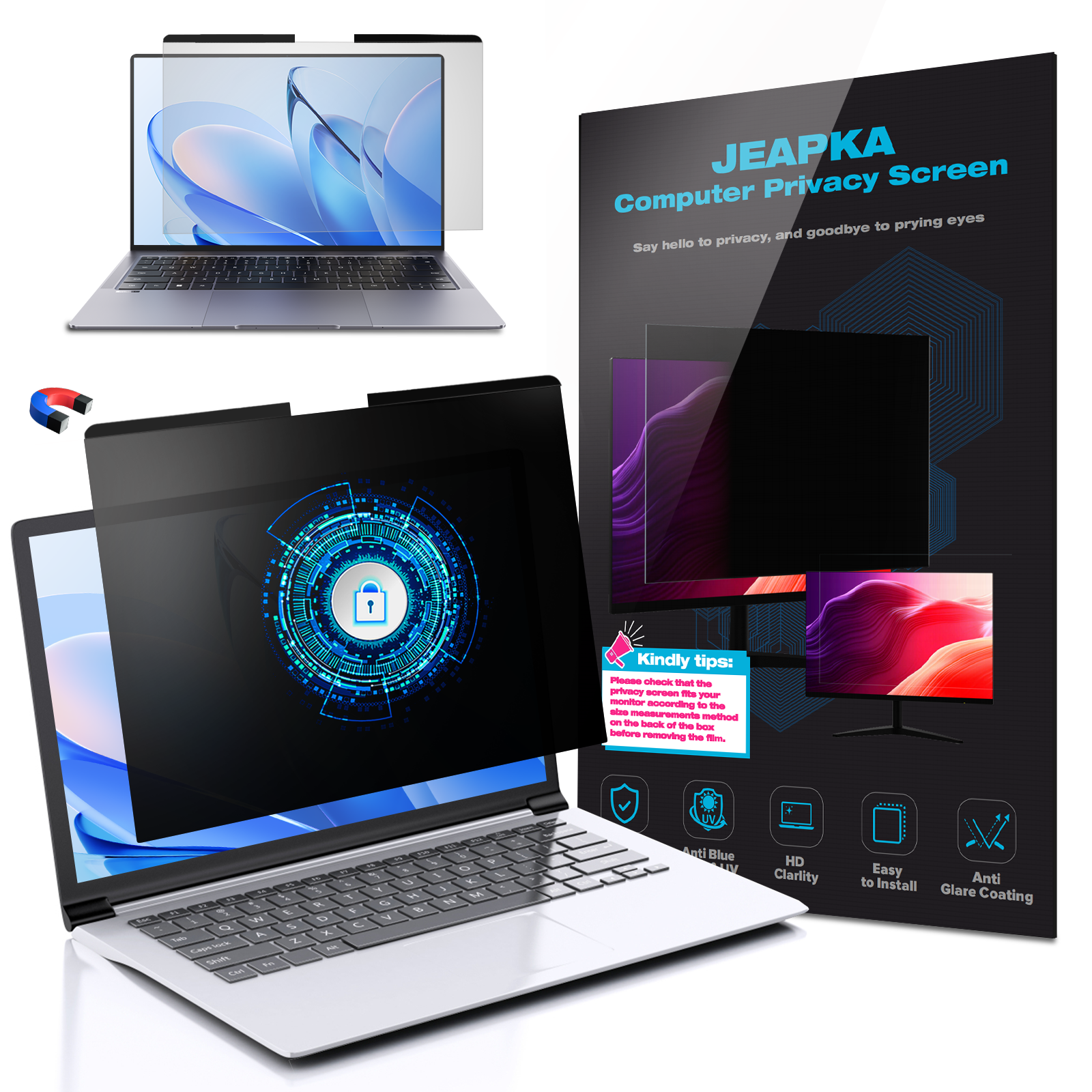
A **computer privacy filter** is a specialized screen protector that limits the viewing angles of your display. This means that only the person directly in front of the screen can view the content clearly, while those to the side see a blurred or darkened screen. This technology is essential for professionals who handle sensitive information, ensuring that confidential data remains secure from prying eyes.
How Do Computer Privacy Filters Work?
The technology behind privacy filters typically resembles that of sunglasses, using a **polarizing film** to reduce the light transmission at certain angles. This film is layered on top of your monitor or laptop screen and is designed to block unwanted views while still allowing the primary user to see the screen clearly. This feature is particularly beneficial in public or shared workspaces, where confidentiality is critical.
The Importance of Computer Privacy Filters in Professional Settings
Protecting Sensitive Information
In professions that involve handling sensitive data—such as finance, healthcare, and legal services—maintaining confidentiality is not just a best practice; it is a requirement. A computer privacy filter acts as a barrier against **visual hacking**, which can occur in crowded places like cafes, airports, or open offices. By using a privacy filter, professionals can work with confidence, knowing that their information is secure from unauthorized viewers.
Improving Focus and Productivity
In addition to protecting information, privacy filters can also enhance productivity. When employees feel secure about their data, they are more likely to concentrate on their tasks. The reduced risk of distractions from curious onlookers allows for a more focused work environment, ultimately leading to improved work performance.
Maintaining Professional Integrity
In today's competitive landscape, maintaining professionalism is crucial. Using a computer privacy filter demonstrates a commitment to data protection and ethical practices. This proactive measure not only safeguards personal information but also upholds the reputation of the organization. Clients and colleagues will appreciate the dedication to confidentiality, fostering trust and respect in professional relationships.
Benefits of Using Computer Privacy Filters
Enhanced Security Against Visual Hacking
One of the primary benefits of a computer privacy filter is its ability to thwart visual hacking attempts. Visual hacking is a form of data theft where individuals simply look at someone else's screen to gather sensitive information. By deploying a privacy filter, professionals can significantly reduce the likelihood of such incidents occurring, providing a critical layer of security.
Versatility Across Devices
Computer privacy filters are available for various devices, including laptops, desktop monitors, and tablets. This versatility ensures that professionals can maintain confidentiality regardless of the device they are using. Whether working from home, in the office, or on the go, a privacy filter provides consistent protection for sensitive information.
Easy Installation and Maintenance
Installing a computer privacy filter is a straightforward process, often requiring no additional tools or equipment. Most filters are designed to adhere easily to screens and can be removed or reapplied without damaging the device. Furthermore, maintenance is minimal; simply clean the filter with a soft cloth to keep it in optimal condition.
Choosing the Right Computer Privacy Filter
Factors to Consider
When selecting a computer privacy filter, professionals should consider several factors:
1. **Screen Size and Compatibility**: Ensure the filter matches the dimensions of your screen.
2. **Type of Filter**: Choose between adhesive and non-adhesive options based on personal preference.
3. **Viewing Angle**: Different filters offer varying levels of privacy, so choose one that meets your specific needs.
4. **Anti-Glare Features**: If you work in brightly lit environments, consider filters with anti-glare properties to enhance visibility.
5. **Durability**: Opt for filters made from high-quality materials to withstand daily wear and tear.
Top Brands in Computer Privacy Filters
Several reputable brands offer high-quality computer privacy filters. Some of the most popular include:
- **3M Privacy Filters**: Known for their innovative technology and extensive product range, 3M filters provide reliable security and clarity.
- **Kensington**: Offering a variety of privacy solutions, Kensington filters are designed for both functionality and ease of use.
- **ZAGG InvisibleShield**: This brand is recognized for its durable privacy filters that protect screens while maintaining high visibility.
Real-World Applications of Computer Privacy Filters
In the Financial Sector
In finance, professionals often deal with sensitive data, such as client information and investment strategies. Using a computer privacy filter allows financial advisors and analysts to work securely in public spaces without risking data breaches.
In Healthcare Environments
Healthcare professionals handle confidential patient records and medical histories daily. A privacy filter ensures that sensitive information remains protected, especially in shared or open work environments.
In Legal Firms
Legal professionals frequently review sensitive case files and client communications. The implementation of privacy filters not only secures these documents but also enhances the overall confidentiality of legal practices.
Common Misconceptions About Computer Privacy Filters
Privacy Filters Affect Screen Clarity
A common myth is that privacy filters diminish screen clarity. In reality, quality privacy filters are designed to maintain high levels of clarity while providing the necessary privacy. Many users report a negligible difference in display quality.
Privacy Filters are Only for Open Offices
While open office environments benefit greatly from privacy filters, they are equally important for professionals working in public spaces. Whether in a coffee shop, library, or airplane, the risk of unwarranted viewing exists, making privacy filters essential for anyone handling confidential information.
FAQs About Computer Privacy Filters
1. Do privacy filters work with touch screens?
Yes, many privacy filters are designed to be compatible with touch screens without impacting their functionality.
2. Can I install a privacy filter myself?
Absolutely! Most privacy filters come with easy installation instructions, allowing users to apply them without professional help.
3. How do I clean a computer privacy filter?
To clean a privacy filter, use a soft, lint-free cloth and a mild screen cleaner or water. Avoid abrasive materials that could scratch the surface.
4. Are privacy filters reversible?
Many privacy filters are reversible, providing users with the option to choose between different finishes, such as matte and glossy.
5. Can I use a privacy filter with a laptop case?
Yes, many privacy filters are designed to fit seamlessly with laptop cases. However, it's essential to ensure compatibility before purchase.
Conclusion
In an era where confidentiality is more vital than ever, professionals must take proactive steps to protect their sensitive information. A **computer privacy filter** serves as an essential tool for safeguarding data, enhancing productivity, and maintaining professional integrity. By choosing the right filter and understanding its benefits, professionals can work with confidence, knowing that their confidential information is secure from prying eyes. Investing in a computer privacy filter is not just a smart choice; it's a necessary step toward ensuring a safer, more secure work environment.
Related News